Dependencies
- None
This resource is completely standalone
Feature Overview
-
🏃 Moveable
Adjust the position to your liking! -
👓 Styleable
Don't like the colors? Change them to your preferred ones! -
🙅 Customisable
Gauges bother you? Disable them! -
👷 Safety first
Includes a full seatbelt script! -
👆 My finger is tired
It's okay. We included cruise control!
What is this resource?
Codesign's highly customizable car HUD script is designed to give players an immersive in-game experience when driving cars on your server. The HUD (heads-up display) overlay displays important information related to the vehicle.
This particular script stands out from other car HUD scripts because it allows for high customization. Players can tailor the HUD to their preferences by choosing which information to display, adjusting the size and location of the HUD on the screen, and selecting the colour and design of the HUD itself.
Overall, Codesign's highly customizable car HUD script can be a great addition to any FiveM server that wants to provide players with an immersive and customizable driving experience. With the ability to tailor the HUD to their preferences, players can enjoy a personalized driving experience that fits their style and preferences.
Main Display
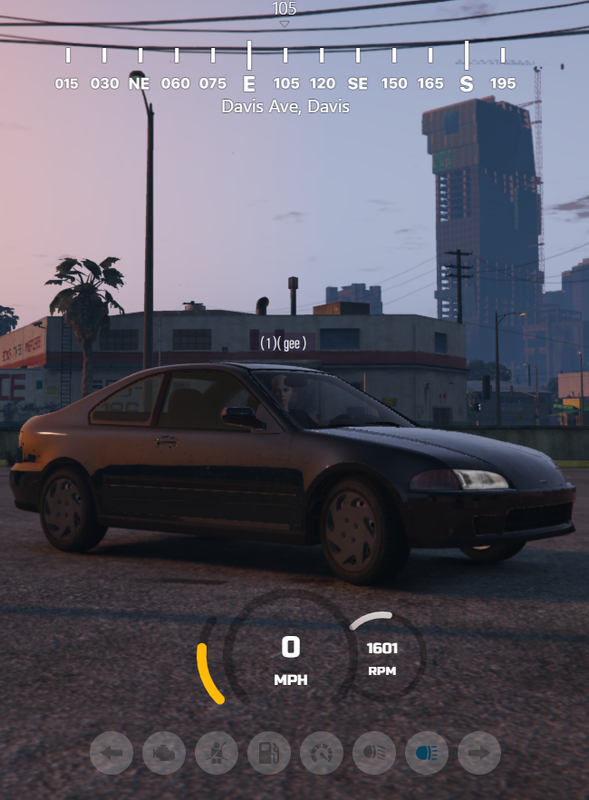
The main display contains the following:
-
Speed Gauge
-
RPM Gauge
-
Fuel Gauge
-
Dashboard lights and alerts
-
Street name
-
Compass
Settings Menu
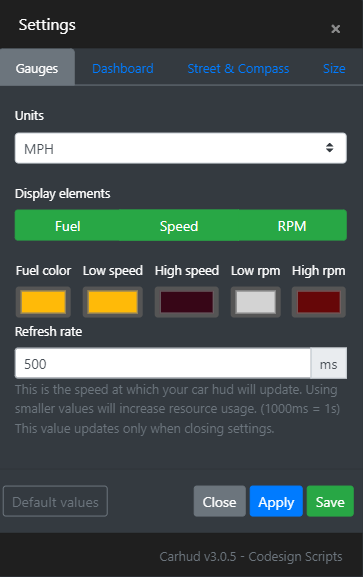
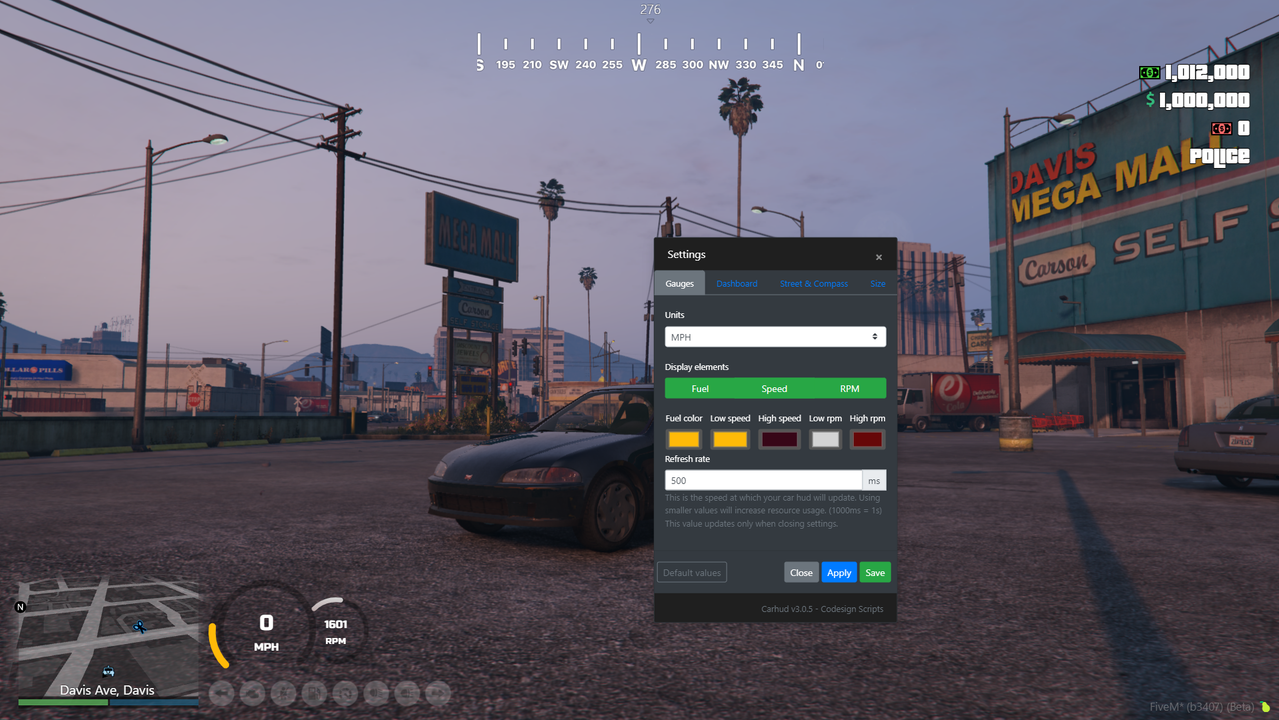
These options are fully customizable through the settings menu:
-
Display each element
-
Colours of gauges ( from low to high )
-
Size of gauges
-
Size of the street name
-
Position of elements ( drag to move )
-
Set an alert when the engine health or fuel is low ( you choose the alert value )
-
Refresh rate
-
Cruise Control
Also included:
An optional, customizable seatbelt system that can ragdoll a player out of their vehicle if they crash without a seatbelt. When enabled, the seatbelt dashboard icon will light up.
An optional cruise control system. When enabled, the cruise control dashboard icon will light up.
Optimization?
The balance between performance and optimisation is something that you need to decide. You can’t have the resource performing at its peak by updating the UI every frame without affecting the optimization. Although, the resource has been created so that you can allow your players to choose. By default, it comes pre-configured to use the best of both worlds with a little compromise.
Seat belt (uses 0.03ms) - By default, the seat belt thread consumes most of the ms, but you can disable this or use your own.
CarHUD UI (uses 0.02ms) - The UI with all elements and settings enabled will use 0.02ms during use. Each individual player can modify the refresh rate in the settings. Lowering it will make the UI more responsive at the cost of increased resource usage.
Want to learn more about the script?
Check out our Documentation Website, which includes the installation guide, “how-to” guides, common issues, debugging guide, and a full preview of all configs and locales/translations.
All Support is handled through the Codesign Discord Server.