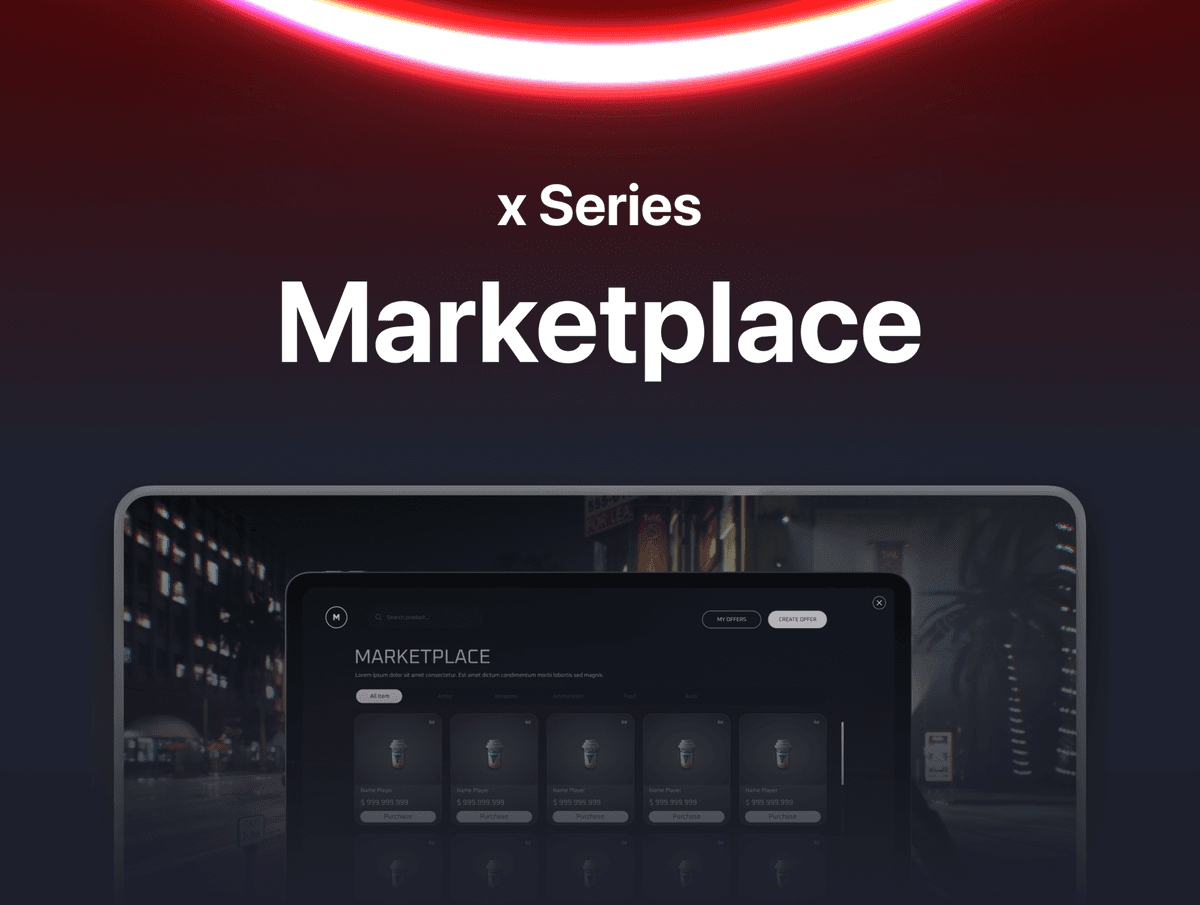
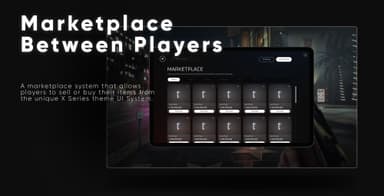

Codem xMarketplace — A player-to-player marketplace system for FiveM roleplay servers.
Let your players trade with each other directly. xMarketplace gives players a clean, categorized interface to list items for sale, browse what others are selling, purchase directly, and track their full sales history — all from a polished X Series UI.
FEATURES
- Player-to-Player Trading — Players list items from their inventory directly onto the marketplace for other players to browse and purchase. No admin involvement needed. A fully self-sustaining in-server economy tool.
- Create Offer System — Players post their own listings via the Create Offer button. Set item, quantity, and price. The listing goes live on the marketplace instantly for all players to see.
- My Offers Panel — Players manage their own active listings from a dedicated My Offers view. Edit or remove listings at any time without reopening the full marketplace.
- Categorized Item Browsing — The marketplace is organized into configurable categories — All Items, Armor, Weapons, Ammunition, Food, Auto, and any custom categories you define. Players filter by category to find what they need fast.
- Item Search — A search bar at the top of the interface lets players search for specific items by name across all listings instantly.
- Sales History & Stats — Each player has a profile page showing their full sales history. Last deal value, total amount earned, and largest deal are displayed as stat cards above the transaction log. Players can track their entire trade history in one place.
- Item Blacklist — Prevent specific items from ever being listed on the marketplace. Define blacklisted items in the config and they are blocked from sale entirely.
- Automatic SQL Data Clear — Optional weekly automatic database cleanup. Toggle it on or off with a single config line to keep your database lean over time.
- Inventory Image Support — Point the config to your inventory's image folder and item icons load automatically on every listing card.
- Configurable Currency — Set which currency is used for all marketplace transactions to match your server's economy setup.
- Custom Command — Open the marketplace with any command name you choose. Configurable in one line.
- Notification System — All marketplace notifications are editable from config.lua. Plug in any notification system your server uses.
- X Series UI — Dark, minimal tablet-style interface consistent with the Codem X Series design language. Available on Codem Premium+.
FRAMEWORK SUPPORT
- ESX (Legacy & Modern)
- QBCore (Old & New)