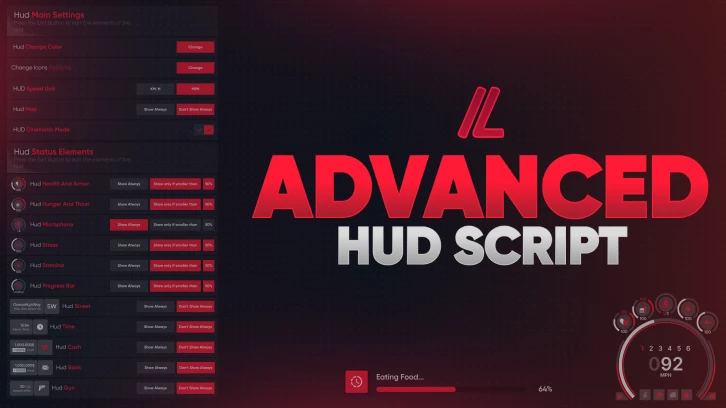
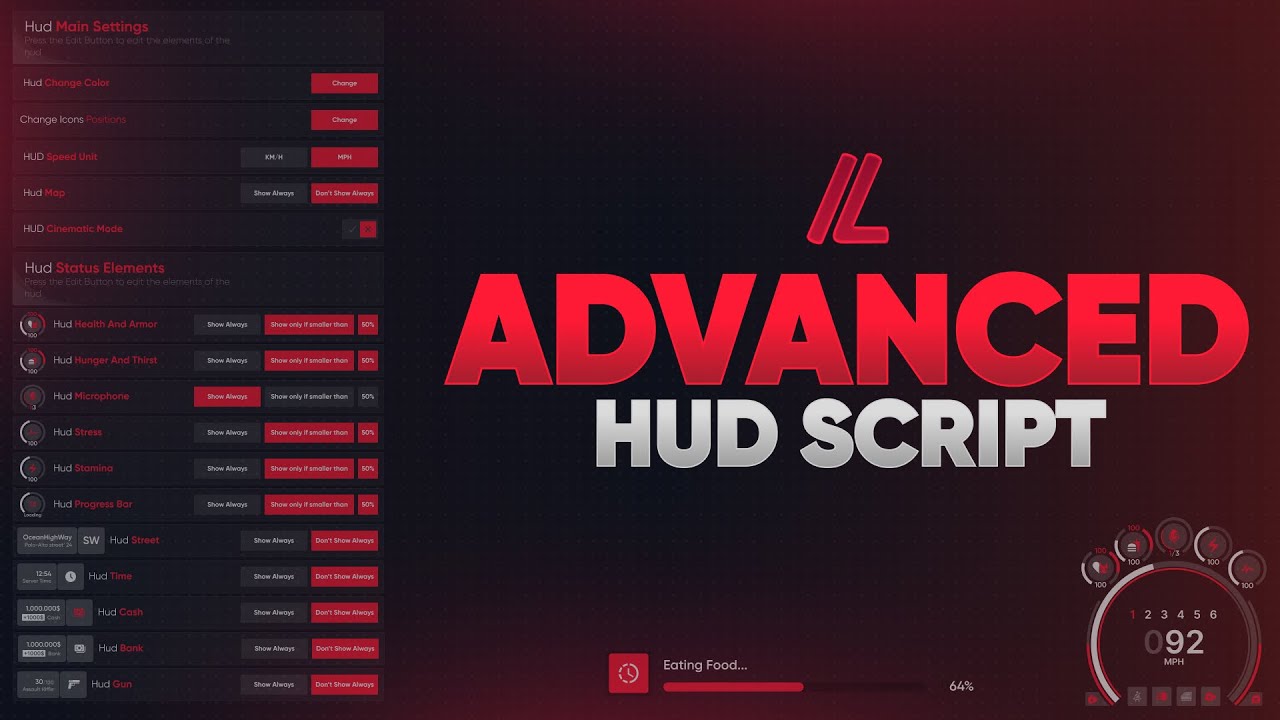
Advanced HUD brings a modern and fully customizable interface to your FiveM server, giving players complete control over how their essential gameplay information is displayed. With flexible layouts, personalized colors and adaptive themes, every player can create a HUD that matches their preferences.
Beyond its visual design, the system includes integrated notifications, progress bars, help alerts and developer-friendly tools for extending the interface. With automatic framework integrations and optimized performance, Advanced HUD combines functionality, customization and convenience in one complete package.
🎯 Main Features
Fully Customizable Layout: Players can freely reposition HUD elements to create their preferred interface layout, with individual settings saved for future sessions.
Advanced Color Personalization: Customize interface colors to match personal preferences or server branding, with extensive control over the HUD's appearance.
Adaptive Dark & Light Modes: Automatically switch between dark and light themes based on in-game time to maintain visibility throughout the day and night.
Integrated UI Systems: Includes built-in notifications, progress bars and help alerts, with automatic integration for replacing default ESX and QBCore interface elements.
Custom HUD Indicators: Extend the interface with your own status indicators and information cards, including custom icons, dynamic values and configurable visibility.
Smart Status Reminders: Automatically notify players when hunger or other essential status values reach critical levels.
Developer-Friendly Exports: Easily control HUD visibility, manage the radar, display notifications, trigger progress bars and access player settings through documented exports and events.
Individual Player Settings: Each player can personalize their HUD independently, with their preferred layout, colors and display settings saved automatically.
Modern Interface Design: A clean and futuristic visual style that keeps essential gameplay information organized and easy to read.
Optimized Performance: Designed to minimize resource usage while maintaining a responsive interface during gameplay.
⚙️ Dependencies
Advanced HUD supports ESX, QBCore, Qbox and standalone server setups.
The system provides automatic integration with default ESX and QBCore interface elements, along with documented exports and events for connecting custom resources.
📚 Documentation & Support
Want a deeper look into how the system works? Check out our Documentation.
Have a question before purchasing or need more information? Join our Discord Server and get in touch with our team.