Codem xBackItems — An advanced back item mounting system for FiveM roleplay servers.
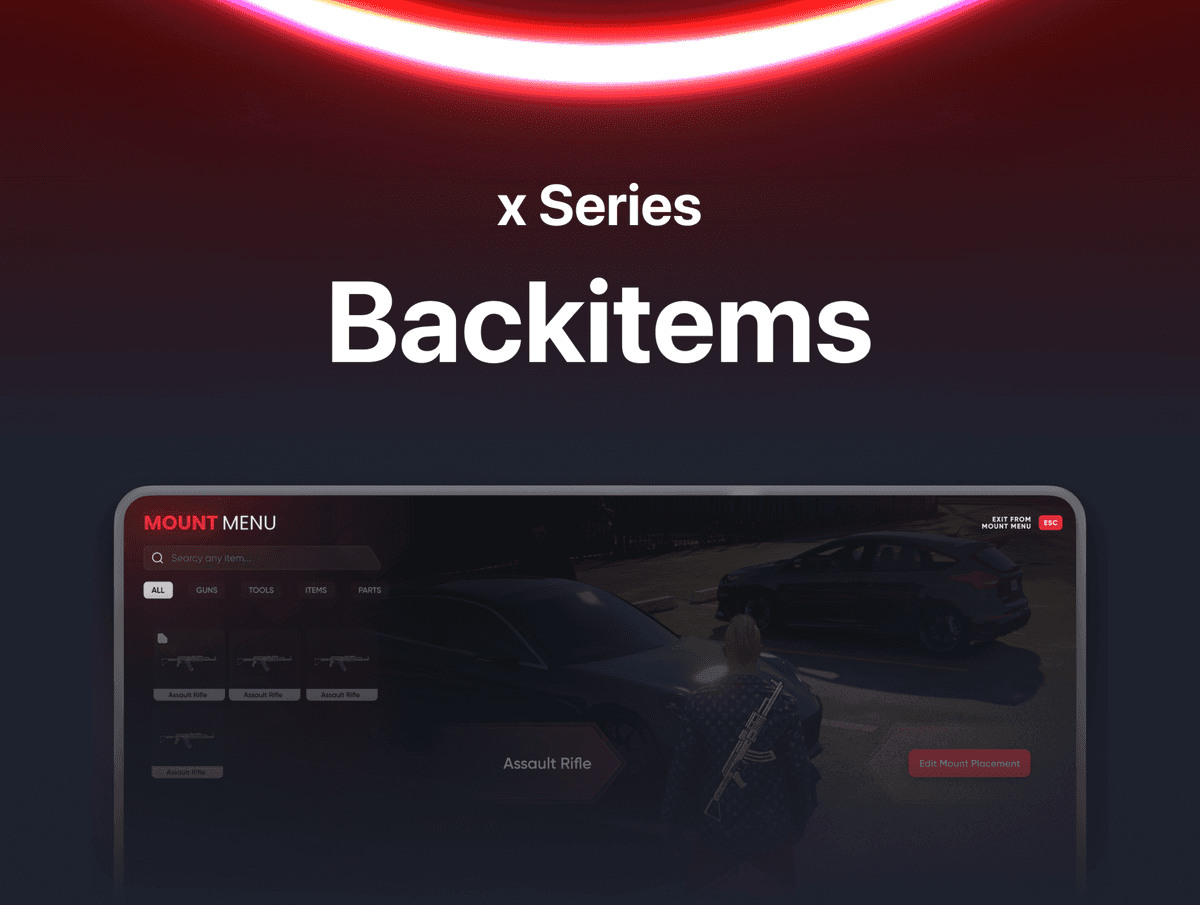
Let players physically wear their items on their body. xBackItems allows players to mount any item onto their character with full control over position, rotation, and placement — all from an in-game Mount Menu with keyboard controls, shareable placement codes, and a powerful admin panel for server-wide position locking.
FEATURES
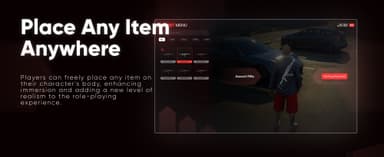
- Place Any Item Anywhere — Players open the Mount Menu, select any item from their inventory, and attach it visually to their character's body. Guns, tools, parts, and more — anything can be mounted for a more immersive roleplay experience.
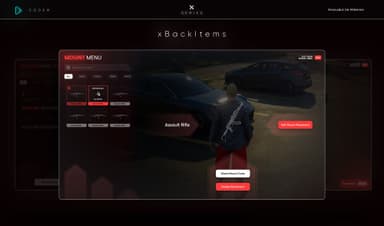
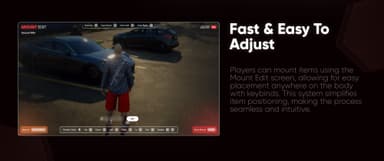
- Mount Edit Screen — A dedicated Mount Edit view lets players position items precisely using keyboard controls. Move up, down, left, right, in, out, rotate on Z axis, and fine-tune placement in real time with a live in-game preview. Save with Enter, restore with Backspace.
- Categorized Item Browser — Items in the Mount Menu are organized into categories — All, Guns, Tools, Items, Parts. Players search by name or browse by category to find what they want to mount quickly.
- Inventory Slot Based Visibility — Item props on a player's body are automatically shown or hidden based on whether the item is in a configurable inventory slot range. Default is the first 5 slots. Adjust the slot count in the config.
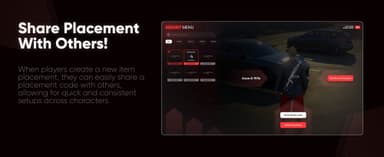
- Share Placement Code — After setting a placement, players can generate and share a Mount Code with others. Anyone who enters that code instantly applies the same placement on their own character — perfect for consistent looks across a team or gang.
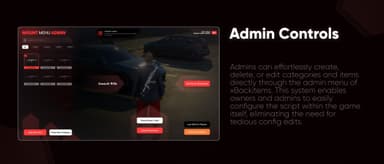
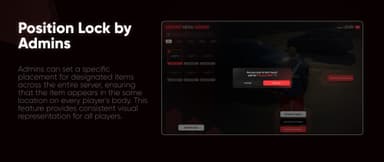
- Admin Position Lock — Admins can open the Mount Menu Admin panel and lock the placement of any item server-wide. When a position is locked, no player can change it — the item will appear in the same location on every player's body, enforcing consistent visual representation across the server.
- Admin In-Game Management — Admins can create new categories, add new items, edit placements, change item categories, lock edits for players, and delete placements entirely — all from inside the game without touching any config file.
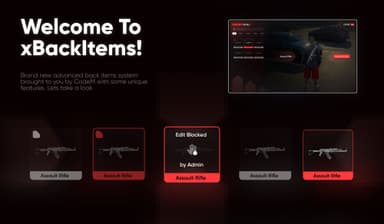
- Edit Blocked Indicator — When an admin locks a placement, affected items display an "Edit Blocked by Admin" indicator in the player's Mount Menu so players know the position is server-controlled.
- Job Restriction — Restrict access to the Mount Menu to specific jobs only. Set which jobs are allowed and toggle an "all" flag — if all is false, only listed jobs can open the menu.
- Admin Permission System — Configure which permission groups have access to the Mount Menu Admin panel.
- Open Menu via Events — Developer-friendly event support to open the Mount Menu from any client or server script without a command.
FRAMEWORK SUPPORT
- ESX (Legacy & Modern)
- QBCore (Old & New)