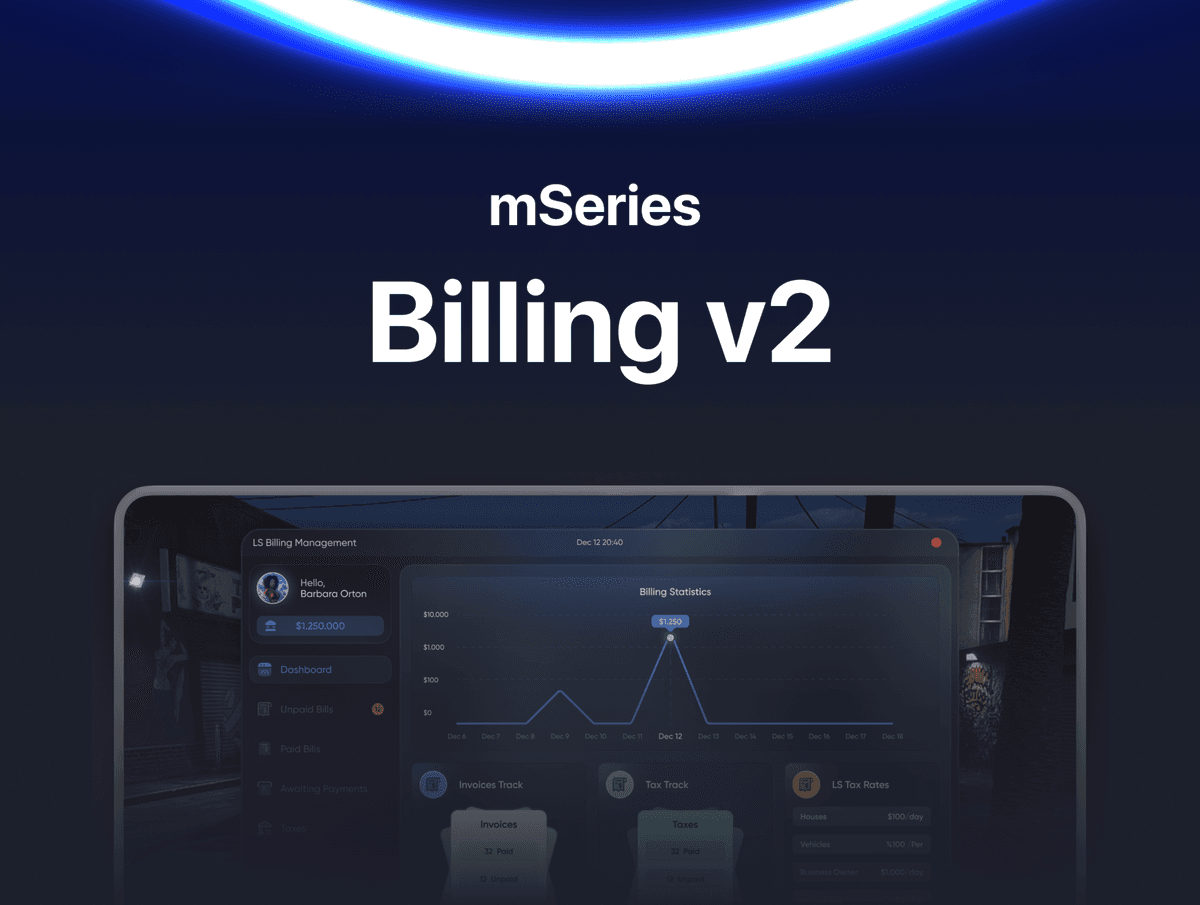
mBilling v2 - The Most Detailed Billing & Tax System for FiveM
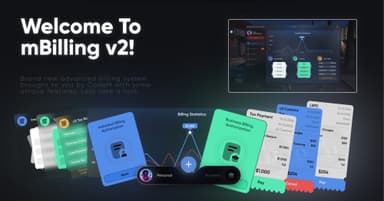
Brand new advanced billing system brought to you by CodeM with some unique features. mBilling v2 lets authorized players or businesses bill anyone in the city, manage their taxes, track every transaction and run the entire billing economy from a polished tablet UI. Switch between personal and business modes with a single click, no friction, no compromise.
Built for serious roleplay servers that want a real billing ecosystem.
FEATURES
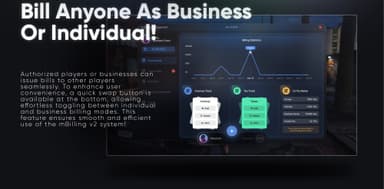
- Bill anyone as Business or Individual - authorized players and businesses can issue bills to other players seamlessly
- Quick swap button at the bottom for effortless toggling between Individual and Business billing modes
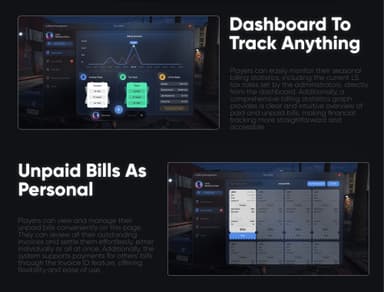
- Full Personal Dashboard to track anything - seasonal billing statistics, current LS tax rates, and a comprehensive billing graph showing paid and unpaid bills
- Unpaid Bills as Personal page - view and manage outstanding invoices, settle them individually or all at once
- Pay Others' Bills via Invoice ID feature for full flexibility
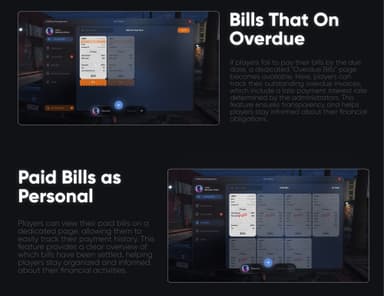
- Bills That On Overdue - dedicated Overdue Bills page with late payment interest rate determined by administrators, keeping players transparent about financial obligations
- Paid Bills as Personal page - clear overview of which bills have been settled and full payment history
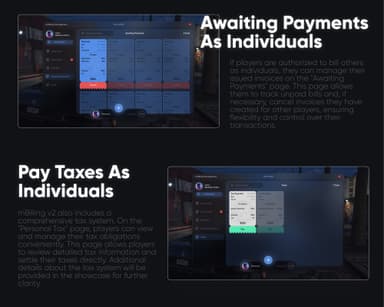
- Awaiting Payments as Individuals - track unpaid bills you've issued to others and cancel invoices when necessary
- Pay Taxes as Individuals - comprehensive personal tax system with the Personal Tax page for viewing and settling tax obligations directly
- Business Dashboard mode - employees gain access to seasonal business data, performance insights and operational metrics
- Paid Bills From Players - businesses get a comprehensive list of bills paid by players with complete transaction tracking
- Awaiting Payments From Players - employees view detailed unpaid invoices issued to players and can cancel any outstanding bill if needed
- Business Taxes page - taxes determined by admins, reviewed and paid through a dedicated streamlined page
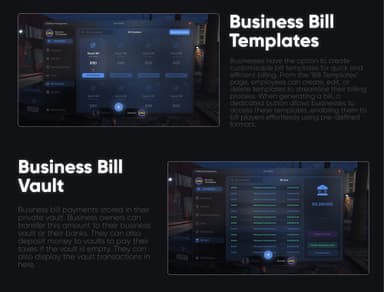
- Business Bill Templates - create, edit and delete customizable bill templates for quick and efficient billing
- Dedicated Templates button during bill creation for one-click template-based billing
- Business Bill Vault - private vault for storing business bill payments separately from operational money
- Vault to bank transfer, money deposit, tax payment from vault and full vault transaction history
- Business Bill Permissions - assign specific billing permissions to employees, granting access to view the billing tablet or authorize them to bill players directly
- Streamlined Bill Creation Page - issue bills via two methods: select nearby players or enter their player ID
- Pre-defined bill templates available during bill creation for faster invoicing
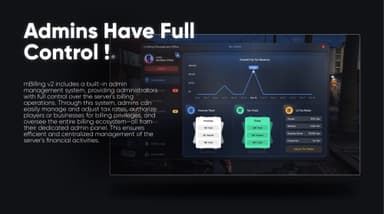
- Total Admin Control - built-in admin management system with full control over the server's billing operations
- Admin overall city tax revenue dashboard with seasonal data, invoice tracking, vehicle/houses/business owner tax categories
- Adjust Tax Rates feature for live tax rate management
- Authorize players or businesses for billing privileges directly from the admin panel
- Servers Unpaid Bills section in admin panel - view all outstanding bills across the server with the ability to cancel any bill as needed
- Server's Paid Bills section with detailed view of all paid bills and a search function for quick data location
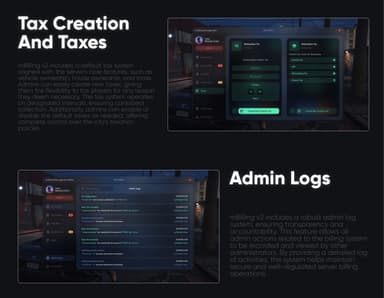
- Tax Creation and Taxes - default tax system aligned with vehicle ownership, house ownership and more
- Create custom taxes for any reason, set intervals, enable or disable default taxes, configure income/VAT/withholding/invoice tax categories
- Admin Logs - robust admin log system tracking every billing-related admin action with timestamps for full transparency and accountability
- Authorized Players Or Businesses page - comprehensive list of all authorized billing accounts with one-click revoke
- Apply To Billing Menu Via Office - players must visit an in-city NPC to apply for billing authorization, either as Individual or Business
- Two color-coded application paths (blue for Individual Billing Authorization, green for Business Billing Authorization) at the in-game Billing Management Office
- Application approval system requiring admin review before billing rights are granted
- Modern tablet-style UI with consistent dark theme across personal, business and admin modes
- ESX and QBCore framework support
- Clean and readable codebase, ideal for custom integrations
- Full GitBook documentation and active 6/24 ticket support
Frameworks: ESX, QBCore