RedM Script - RicX Basic Forges - RedEM:RP/QBR/RSG/VORP RedM Script
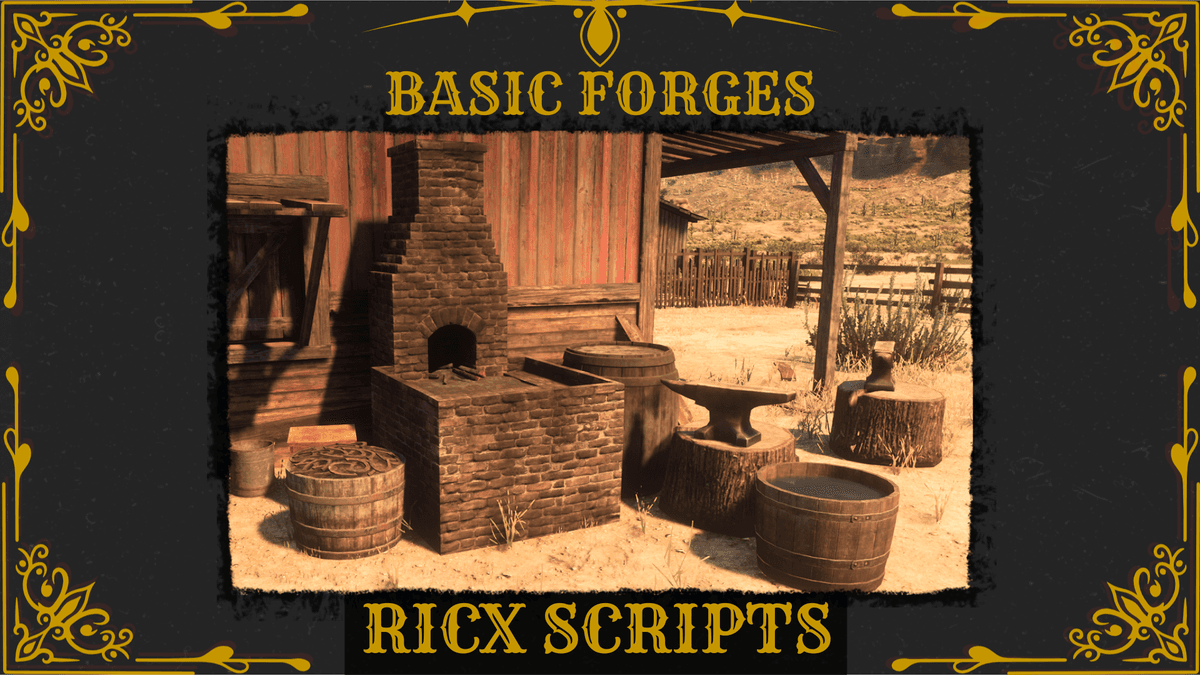
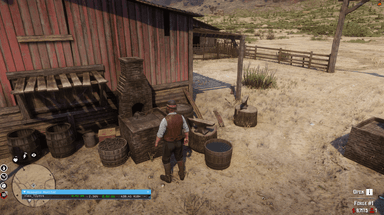
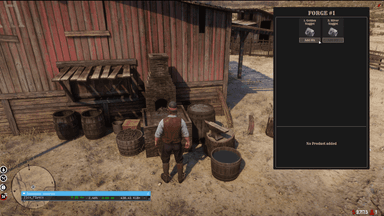
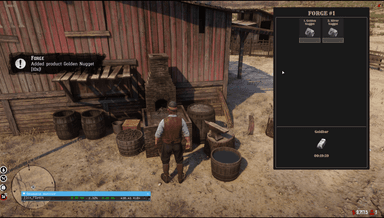
RedM Script to add Forgess to the game for players to interact. Forges menu can be opened via prompts nearby the object and adding the required item will start the smelting process. Once the process is finished, players can collect the output item and start new product smelting again. A forge is unavailable while it has a started process by any user.
Documentation
Features
- Add Forges anywhere
- Configure any item smelting
- Webhooks
Dependencies
- RedEM:RP/QBR/RSG/VORP
How to Install
- Make sure the server is connected to the CFX portal account which has the package access
- Put ricx_basic_forges into server-data/resources/
- In server.cfg add "ensure ricx_basic_forges"
- Change config framework if required
- Add items to inventory
- Restart server
Locked Files
- server.lua and client.lua are locked in the resource BY CFX ESCROW
- events.lua, fw_func.lua and config.lua are opened