Dependencies
Event Calendar requires these in order to run
-
📋 Requirements
-
💝 Framework
ESX, QBCore, QBox, vRP, or Standalone (Modifications requried) -
💾 Database SQL Adapter
(mysql-async, ghmattimysql or oxmysql)
-
-
🩹 Codesign Bridge (Included)
Provides compatibility with other frameworks and resources
Feature overview
Full features are listed at the bottom of the page
-
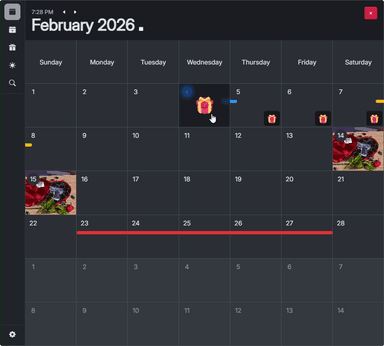
📆 Calendar
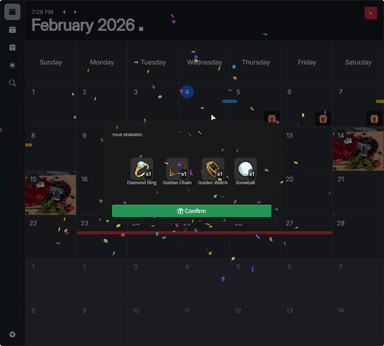
View when events are happening, claim your rewards! -
🍾 Event creation menu
Simple interface which allows creating, editing and deleting events. -
🎁 Reward creation menu
Create one time, daily, weekly, monthly or yearly rewards for players. -
📦 Reward packs menu
Create a pack and decide what possible items a player can win. Select their amounts and drop chances. -
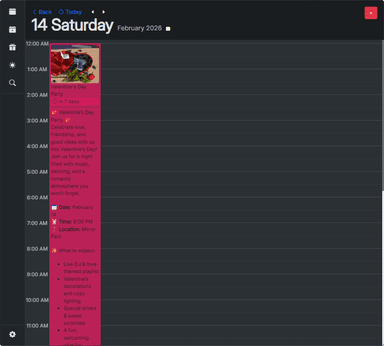
📅 Daily preview
View all events within a day, choose to attend or read through them. -
⚙️ Settings menu
The usual. Locale and theme.
About the resource
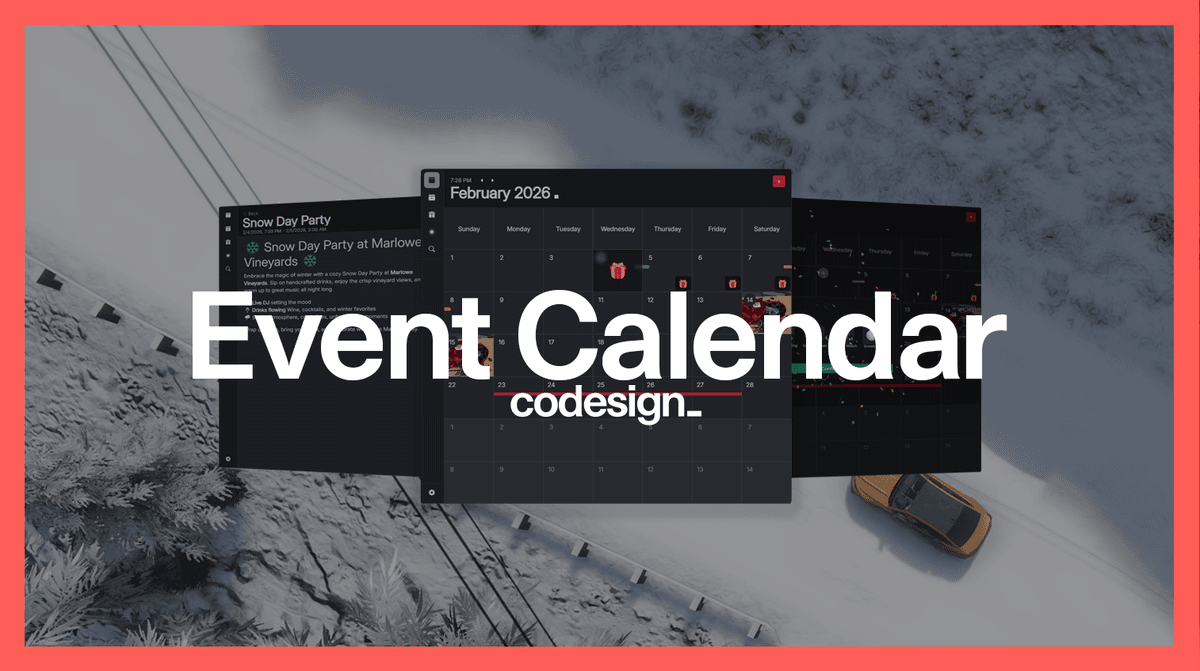
Event Calendar provides a simple way of organizing your events and making them accessible to players.
No more looking up channels, crunching time zones and trying to make it work.
Post an event in your own time zone, and it will display in the player's time zone.
This resource also adds an easy way to create reccuring events in order to drive players to your server at certain times of the day.
Event Calendar also allows you to create reward drops by selecting the items, amounts and drop chances on any given day.
These rewards can be set to one time, daily, weekly, monthly or yearly - same as basic events.
Features
-
📆 Calendar
-
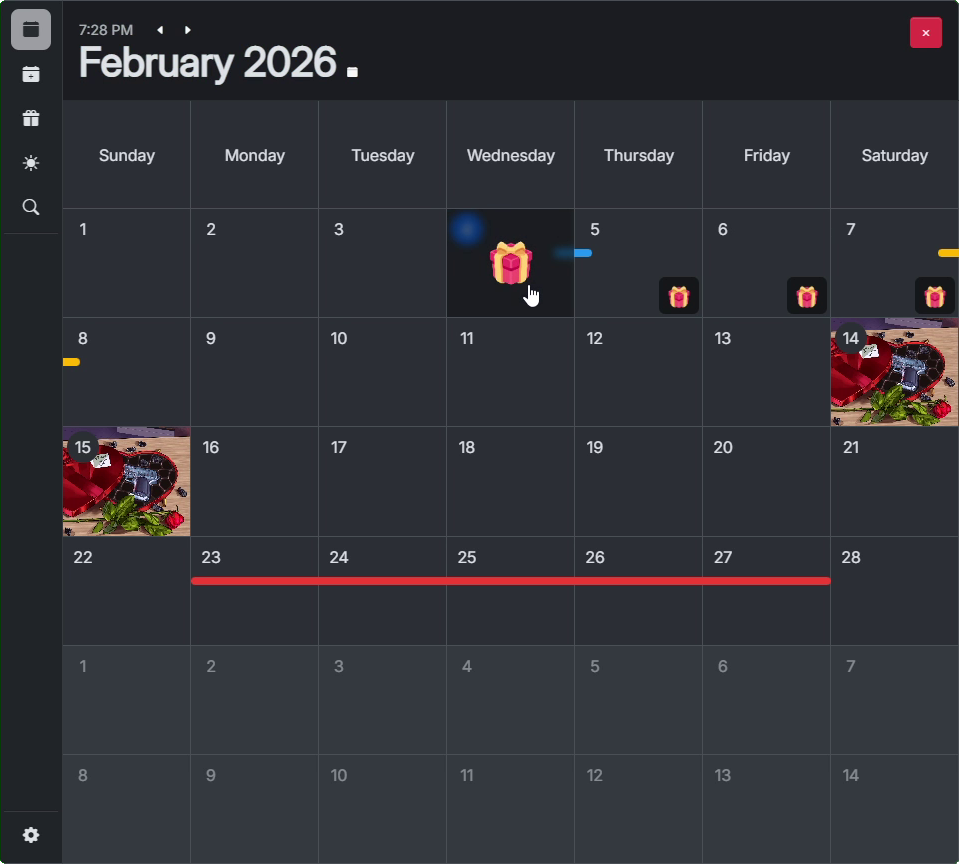
Month view
Displays the entire month, including all minor events (the colored bars), main events (picture tiles) and reward drops (gift icons) which can be claimed.
-
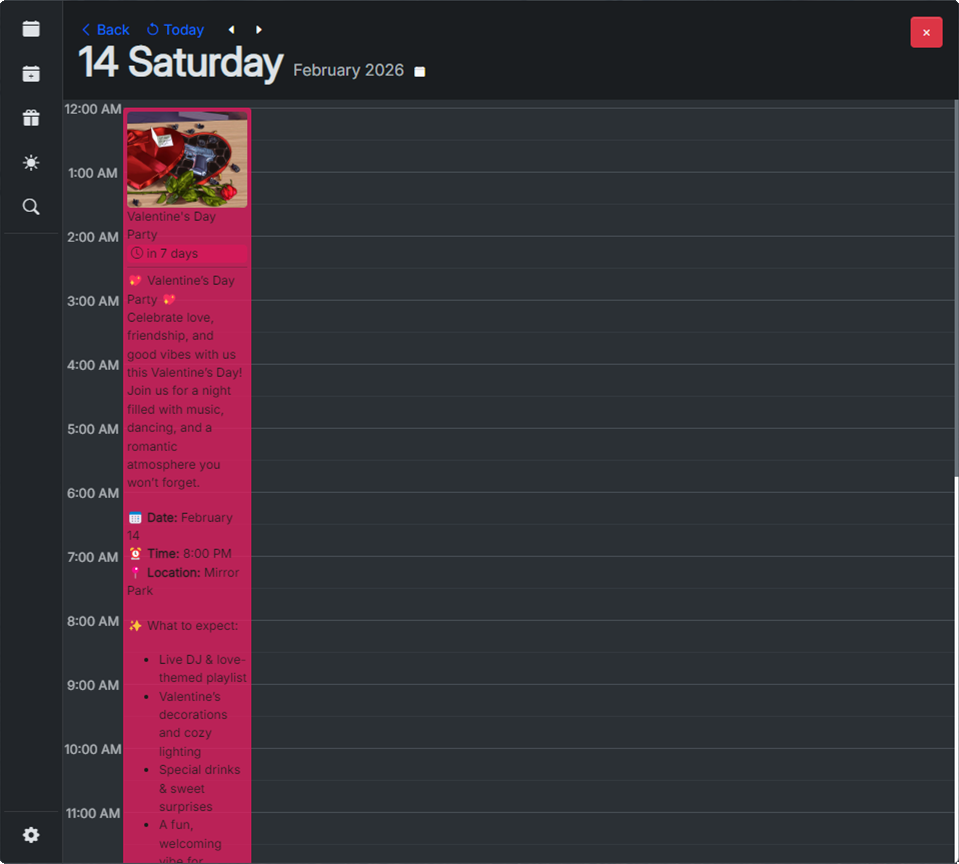
Day view
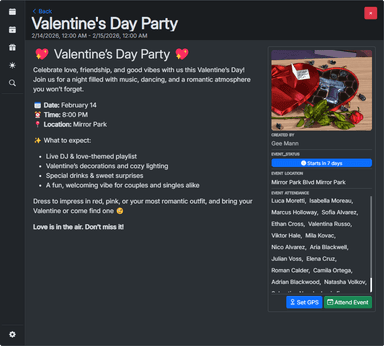
Displays the selected day, including the current time, and the start/end times of the event. This display allows players to view more details about the event as well as sign their attendance.
-
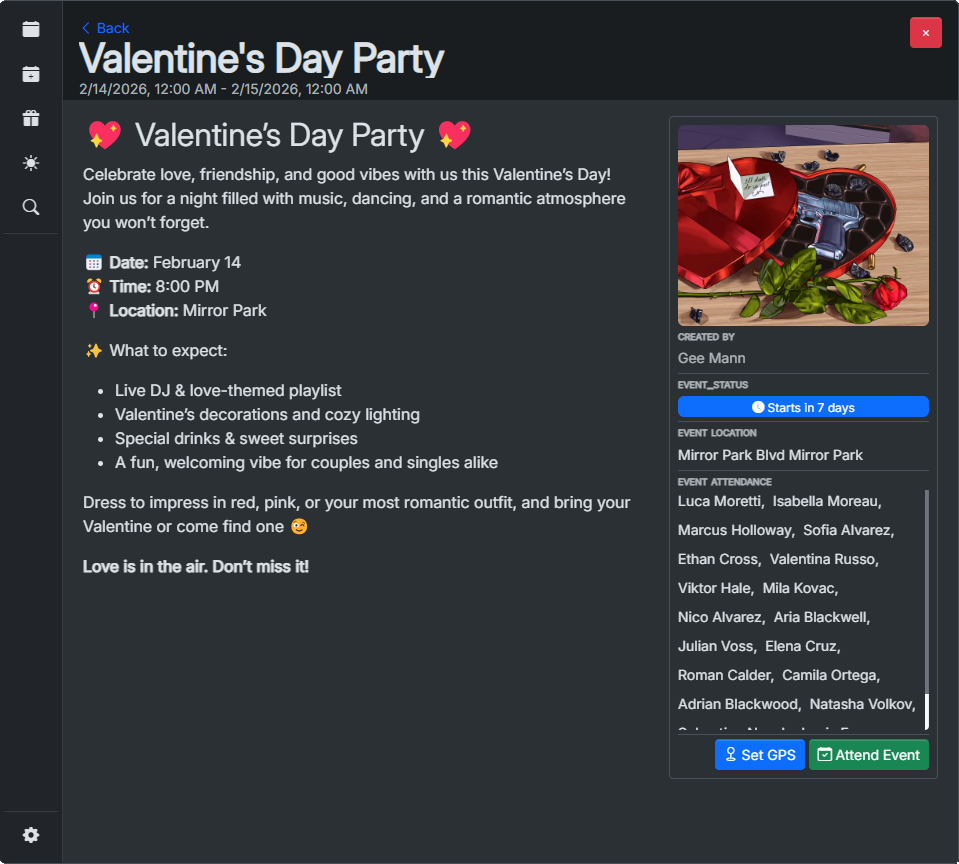
Event view
This view displays the entire event description, title, image as well as all the players attending this event. Gives options to sign attendance and set GPS coordinates to the event location.
-
-
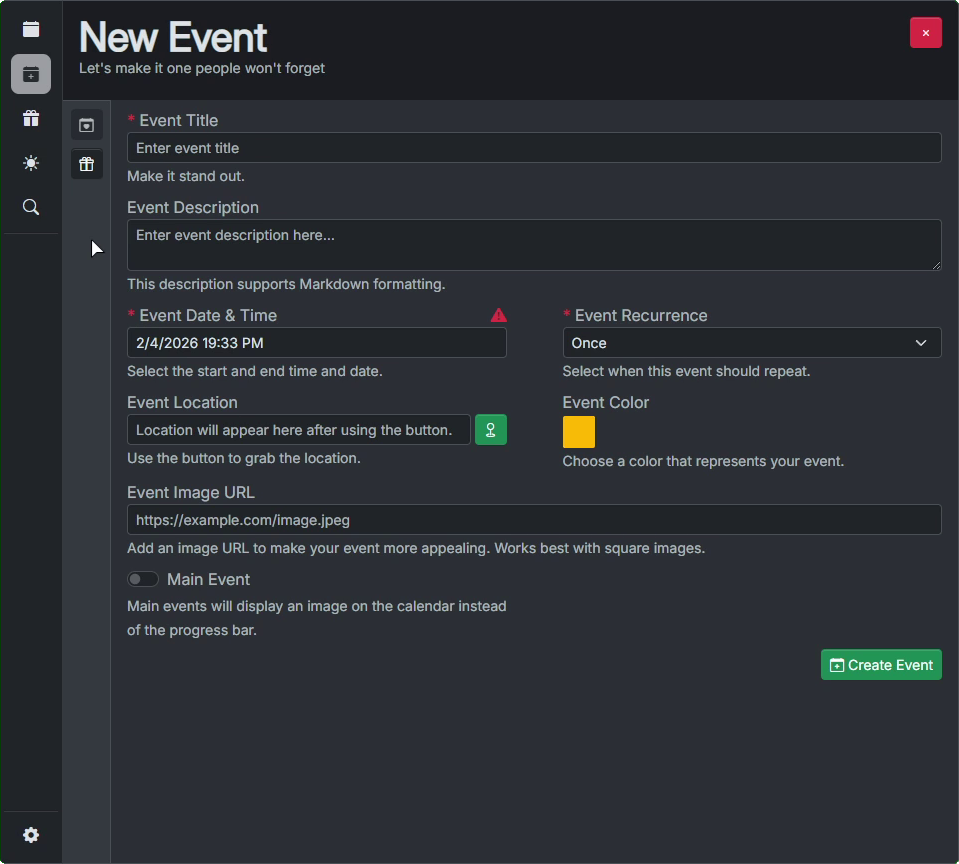
📝New event page
Allows administrators to create new server events by inputting basic data such as title, description, start and end date/time, location and image.
The description of the event supports markdown for formatting and displays a live preview of the parsed text.
-
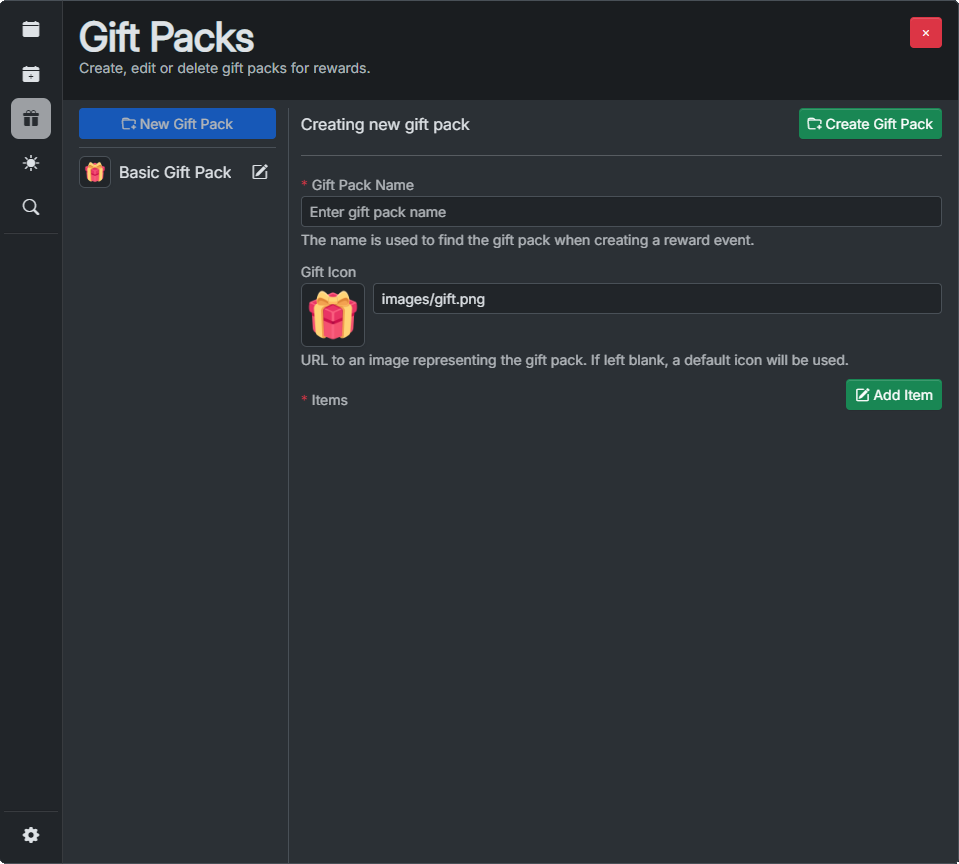
🎁 New reward pack
The reward pack page allows administrators to create reward packages which contain items as well as their amounts and drop chances. These packs are used in reward drops serving as a pool of items which can be dropped.
-
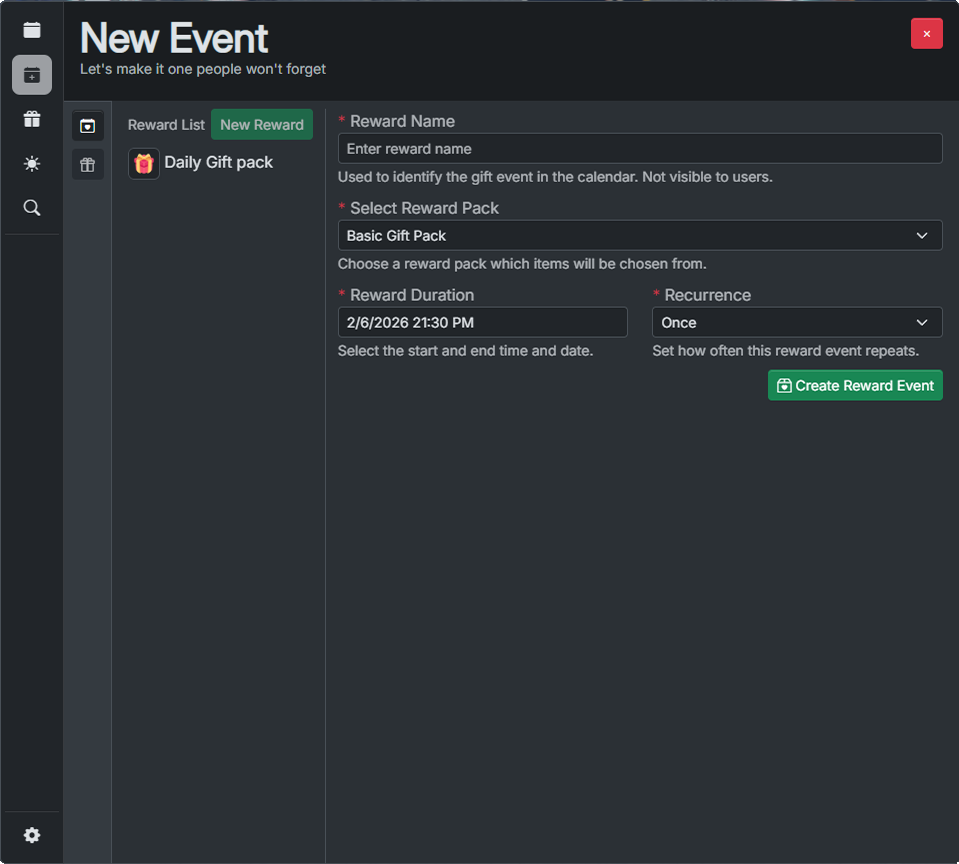
💝 New reward
Visible on the #New event page, this page allows administrators to create single / daily / weekly / monthly / yearly scheduled rewards. The reward requires a reward pack to be previously created. Once active each player can draw rewards once per day.
Additional information
All events are displayed in the players' local timezone, making sure there is no confusion when trying to plan their time.
If attending, the players will be notified before an event starts in-game.
If a player has unclaimed rewards they will be notified in-game.
If configured, this resource can also send Discord webhooks for admin actions, event starts and ends.