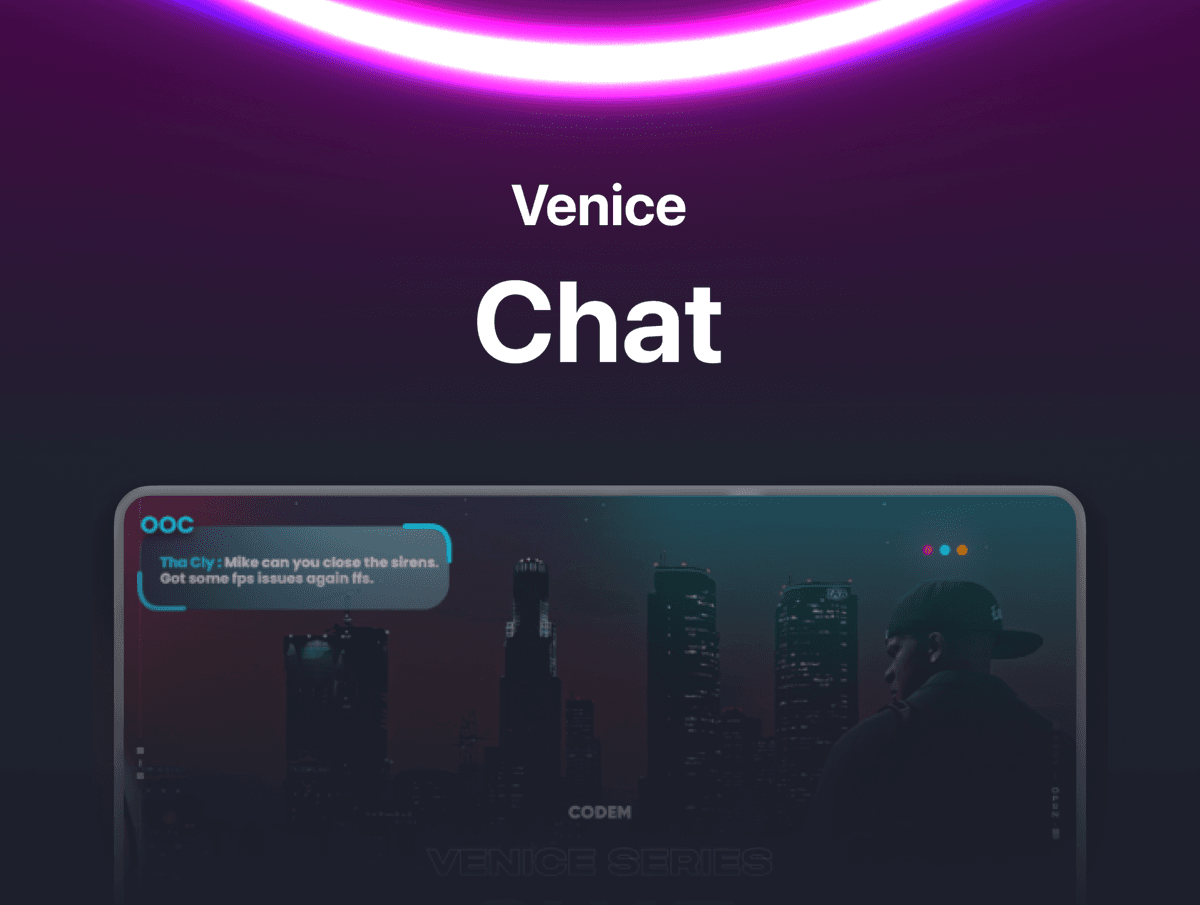




Venice Chat — Themed Chat System for FiveM Replace the boring default chat with a fully themed, visually stunning chat system. 10 pre-built channels, unlimited custom themes, emoji support, @mentions, and animated typing indicators — all configurable from a single file.
FEATURES
- 10 Pre-Built Chat Channels — OOC, Twitter, LSPD, EMS, LS Customs, Yellow Pages, 7Market, Downtown Cab, Staff Chat, and Admin Chat. Each channel has its own unique gradient background, header banner, logo, and corner decorations.
- Unlimited Custom Themes — Create as many additional chat channels as you need directly from config.lua. Set your own colors, gradients, images, commands, job restrictions, and admin permissions. No code editing required.
- Typing Indicator — Animated "..." dots appear above a player's head when they're typing. Three-color cycling animation with fully customizable colors, scale, and position. Can also be set to display custom text instead of dots.
- Emoji Support — Built-in shortcodes like :D, ;), <3, and :P are automatically converted into real Unicode emojis inside chat messages. Easily add your own custom emoji shortcodes from the config.
- @Mention / Reply System — Type another player's roleplay name in OOC chat and they'll see a bell notification icon next to their name, just like social media mentions.
- Proximity OOC Chat — OOC messages can be limited to nearby players only, with a configurable distance radius. Perfect for local out-of-character communication. Requires OneSync.
- Job-Restricted Channels — EMS, LSPD, LS Customs, 7Market, and Downtown Cab channels are locked to their respective jobs. Only players with the matching job can send messages. Visibility can be set to global or job-only (private radio mode).
- Admin-Only Channels — Staff and Admin chat channels are restricted by permission level. Messages are only visible to other staff/admins when private mode is enabled.
- Roleplay Names or Steam Names — Choose per-channel whether to display the player's character name or their Steam/FiveM name. Great for keeping staff channels identifiable while RP channels stay immersive.
- Per-Channel Toggle — Enable or disable any channel individually from the config. Don't need Yellow Pages or Twitter? Just set it to false.
- Customizable Commands — Every command name is configurable. Rename /ooc to /local, /twt to /tweet, /lspd to /radio — whatever fits your server.
FRAMEWORK SUPPORT
- ESX (Legacy & Modern)
- QBCore (Old & New)