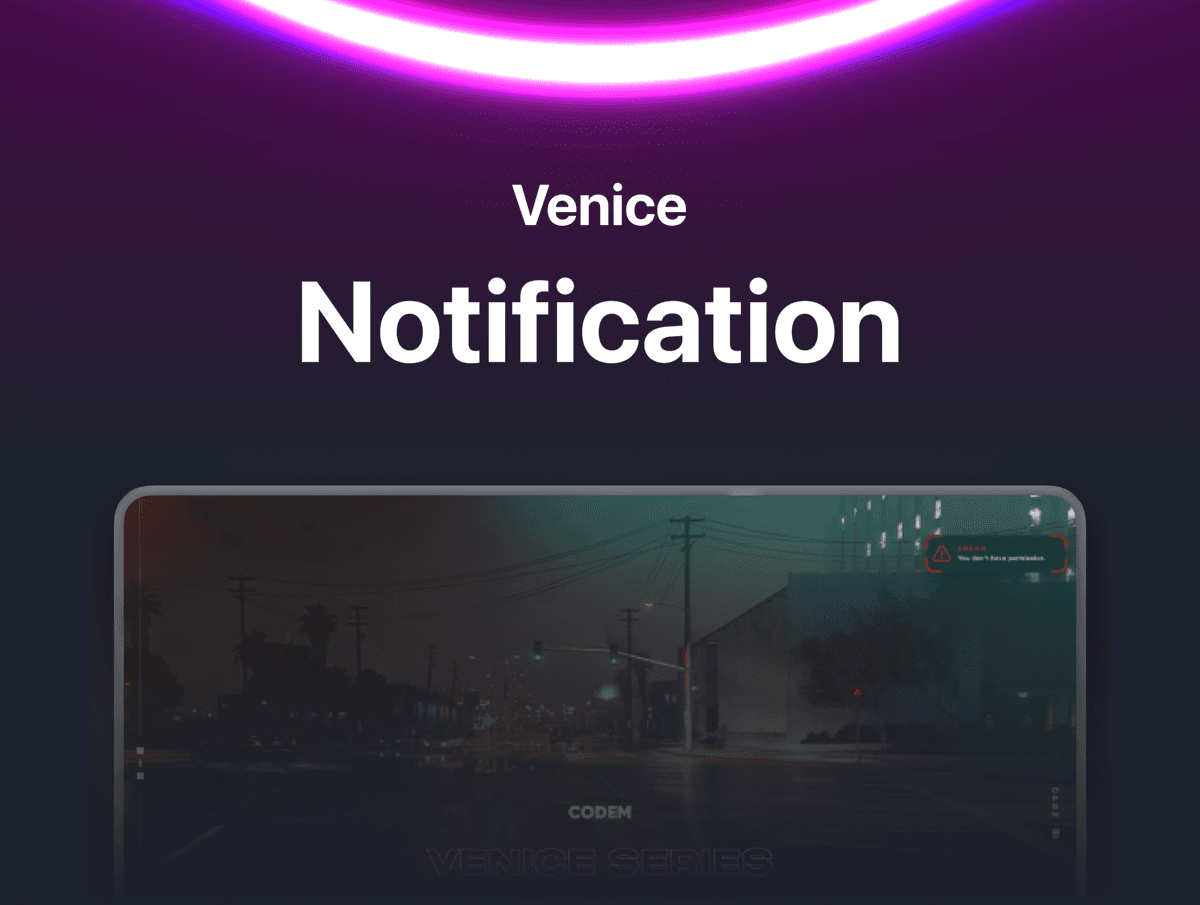
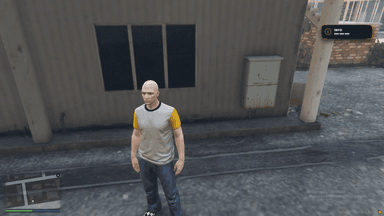
Venice Notification — Stunning Notification System for FiveM A fully standalone, beautifully designed notification system with 12 unique notification types, animated transitions, per-player settings saved to database, and drop-in ESX/QBCore replacements. One resource to replace every notification on your server.
FEATURES
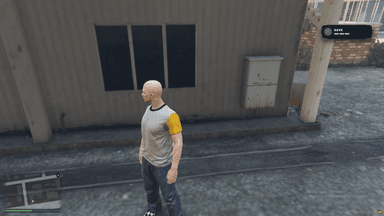
- 12 Notification Types — Check, Info, Announcement, Message, Tweet, Call, Bank, Bill, Police, Save, Error, and EMS. Each type has its own unique icon, accent color, and glowing SVG corner effects.
- Animated Transitions — Smooth spring-based entrance and exit animations powered by anime.js. Notifications slide in and out from the direction of their screen position.
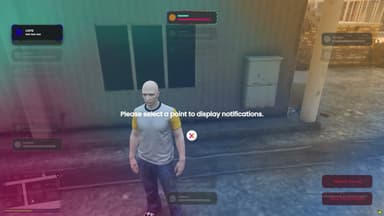
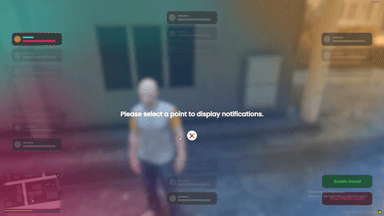
- 5 Screen Positions — Players choose where notifications appear: Top, Bottom, Left, Right, or On-HUD. Each player picks their own preference from a visual settings panel.
- Player Settings Panel — A clean in-game settings menu (opened with /notifysettings) where players can pick their notification position, toggle sound on/off, and hide/show all notifications. Every setting is saved to the database and persists across sessions.
- Notification Sound — A subtle chime plays with each notification. Players can toggle it on or off from the settings panel. Volume is set at a comfortable 17%.
- Notification Stacking — When the same notification fires multiple times, it doesn't flood the screen. Instead, a counter badge appears on the existing notification showing how many times it stacked.
- Color Codes — GTA-style inline color formatting.
- Tweet & Message Options — The Tweet type supports an @username prefix in Twitter blue. The Message type supports a phone number prefix in orange. Just pass the extra option when triggering.
- Title Labels — Each notification type shows a title label (CHECK, INFO, ERROR, etc.) above the message. Titles are fully translatable from the config. Can be disabled entirely for a cleaner look.
- Standalone — No framework required. Works with any script through a simple event or export call. Zero framework dependencies.
- Drop-In ESX & QBCore Replacement — Included replacement functions for ESX.ShowNotification and QBCore.Functions.Notify. Paste them into your framework files and every notification on your entire server instantly uses the Venice design. Type mapping included (primary → info, success → check, police → lspd, ambulance → ems).
- Database Persistence — Player preferences (position, sound, display) are saved per-player using Steam/License identifiers. Supports oxmysql, mysql-async, and ghmattimysql.
FRAMEWORK SUPPORT
- STANDALONE (Works with any framework)