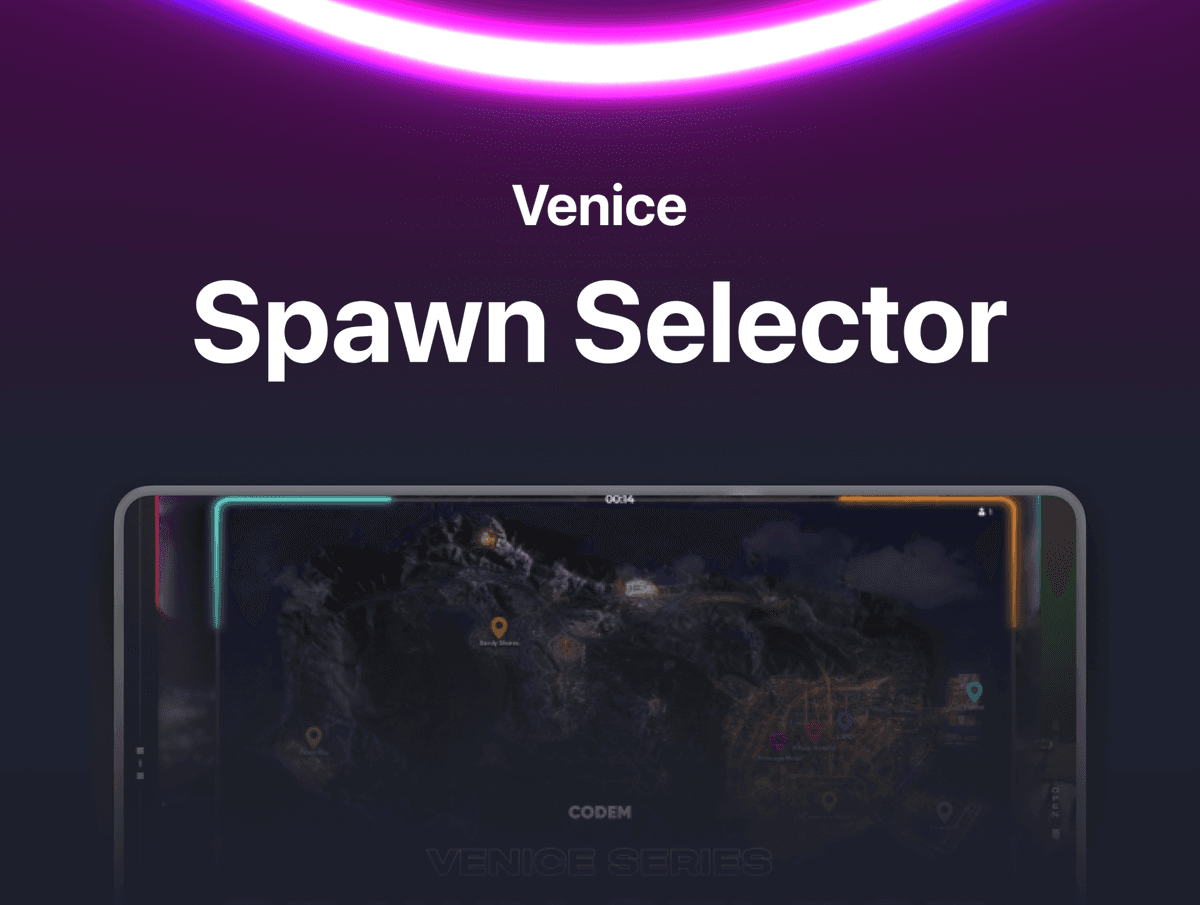
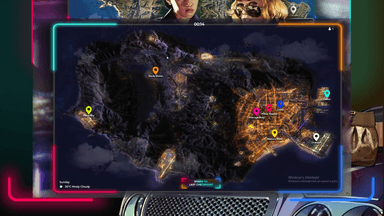
Venice Spawn — Cinematic Spawn Selector for FiveM A visually stunning spawn selection screen with an interactive map of San Andreas. Players pick their spawn point by clicking location pins on a stylized map, then watch a smooth cinematic camera fly-in from the sky to ground level. No boring dropdown menus — just a clean, immersive map experience.
FEATURES
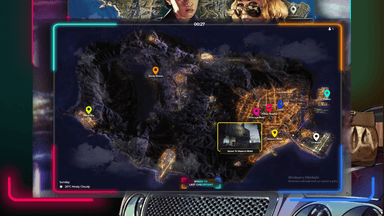
- Interactive Map UI — A full-screen stylized map of San Andreas with clickable location pins. Players see where they're spawning before they commit. Click a pin, see a preview, click the spawn button. Clean and intuitive.
- 8 Spawn Locations — Paleto Bay, Sandy Shores, Pink Cage Motel, Pillbox Hospital, LSPD Mission Row, Vespucci Beach, LS Harbor, and LS Airport. All coordinates are fully configurable in the config file.
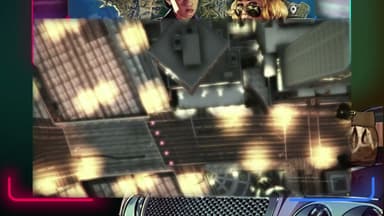
- Cinematic Camera Fly-In — When a spawn is selected, the camera starts 1500 units in the sky and smoothly descends to ground level with a spring-based interpolation. Gives a GTA Online-style loading feel every time a player spawns.
- Last Position Spawn — One-click button to spawn at the player's last known coordinates. Pulls directly from framework player data so it works across sessions automatically. QBCore falls back to default spawn for new characters.
- Dynamic Day/Night Map — The map image automatically switches between a daytime and nighttime version based on the in-game clock. Day map between 08:00-19:00, night map otherwise.
- Live Player Count — The current number of online players is displayed on the spawn screen in real time, fetched via a server callback when the UI opens.
- In-Game Clock & Day — Shows the current in-game time (HH:MM format) and day of the week directly on the map. Players know exactly what time they're spawning into.
- Audio Mute During Transition — Game audio is muted during the camera fly-in so there's no jarring ambient noise during the cinematic transition. Sound restores cleanly once the player is on the ground.
- Loading Screen Shutdown — The spawn sequence properly shuts down both the loading screen and loading screen NUI, clears the HUD, and handles the player switch-in effect. No leftover black screens or stuck loading states.
- Two-Step Pin Selection — Clicking a pin shows a location-specific spawn button. Clicking anywhere else dismisses it. This prevents accidental spawns and lets players browse locations before choosing.
FRAMEWORK SUPPORT
- ESX (Legacy & Modern)
- QBCore (Old & New)