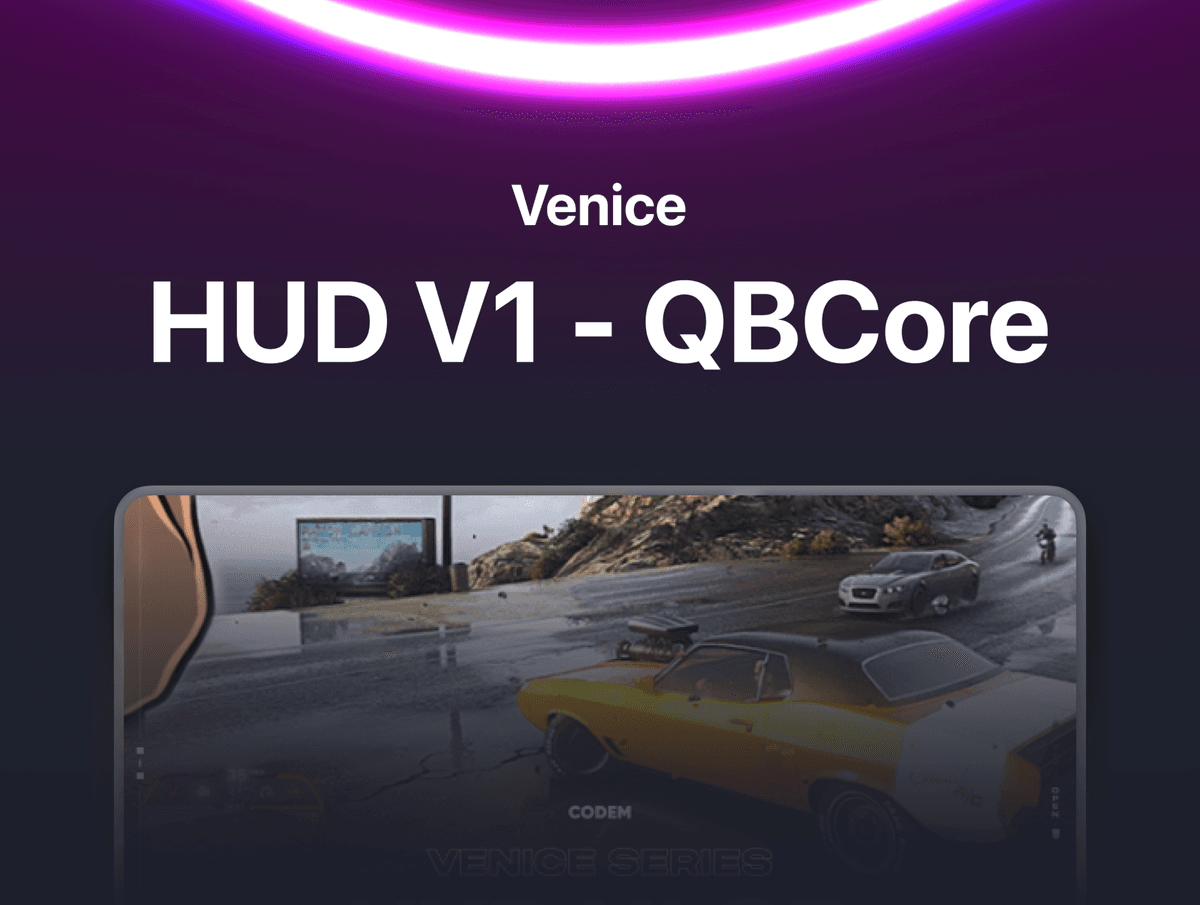
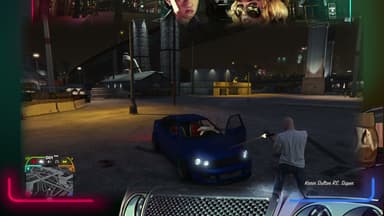
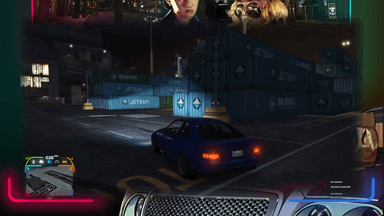
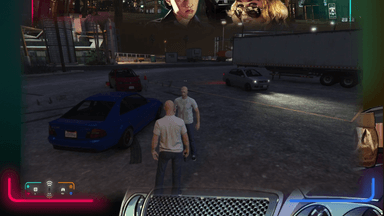
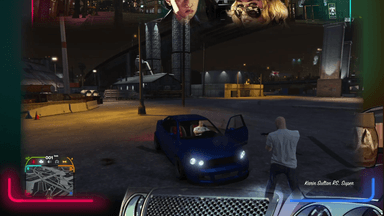
Venice HUD — Custom HUD & Vehicle Dashboard for FiveM A sleek, custom-designed HUD that replaces the default GTA V interface with animated SVG status bars, a full vehicle dashboard with speedometer, built-in seatbelt and cruise control systems, and a voice chat indicator — all in one lightweight resource.
FEATURES
- On-Foot Status Bars — Animated SVG progress bars for health, armour, hunger, thirst, and oxygen/stamina. Bars are rendered using ProgressBar.js with smooth path animations. Values update in real time and only re-animate when they actually change.
- Vehicle Dashboard — When you enter a vehicle, the on-foot HUD seamlessly switches to a full dashboard showing speedometer, engine health bar, fuel bar, engine on/off indicator, headlight status (off / low beam / high beam), seatbelt indicator, and cruise control indicator.
- Speedometer — 3-digit speed display with configurable KMH or MPH. Reads directly from vehicle entity speed with framework-accurate multipliers. Updates every 200ms for a smooth reading.
- Built-In Seatbelt — Press U (rebindable) to buckle up. The dashboard icon changes from red (unbuckled) to white (buckled). When buckled, windshield ejection threshold is raised so you stay in the car during crashes. When unbuckled, you fly through the windshield at lower speeds. Automatically resets when exiting the vehicle. Hidden on motorcycles.
- Built-In Cruise Control — Press L (rebindable) to lock your current speed. The vehicle's max speed is capped at whatever speed you were going when you activated it. Dashboard shows an active indicator. Press again to release. Driver-only, auto-resets on exit.
- Voice Chat Indicator — Microphone icon with 3 range levels (whisper / normal / shout) displayed as stacked bars. Shows talking state in real time. Supports SaltyChat, pma-voice, and MumbleVoIP — just set which one you use in the config.
- Custom Minimap Frame — Styled border around the minimap that integrates with the HUD design. Minimap auto-hides when on foot and appears when in a vehicle. Default GTA health/armour bars and satnav are automatically suppressed.
- Engine Health Bar — SVG progress bar showing engine condition from 0 to 1000. Full bar means perfect engine. Drains as the vehicle takes damage.
- Fuel Bar — Reads from native GetVehicleFuelLevel or from LegacyFuel export, configurable with one toggle.
- Headlight Indicator — Three visual states on the dashboard: lights off, low beam on, high beam on. Updates every 100ms for responsive feedback.
- Engine Status Icon — Shows whether the engine is running or off with a white/grey icon toggle.
- Oxygen / Stamina Bar — Dual-purpose bar that shows remaining oxygen when underwater and sprint stamina when on land. Same bar, two contexts.
- Server ID Display — Shows the player's server ID on the on-foot HUD near the brain icon.
- Pause Menu Detection — HUD automatically hides when the pause menu is open and reappears when closed.
- HUD Toggle — Type /hud to completely show or hide the entire HUD.
FRAMEWORK & COMPATIBILITY
- QBCore