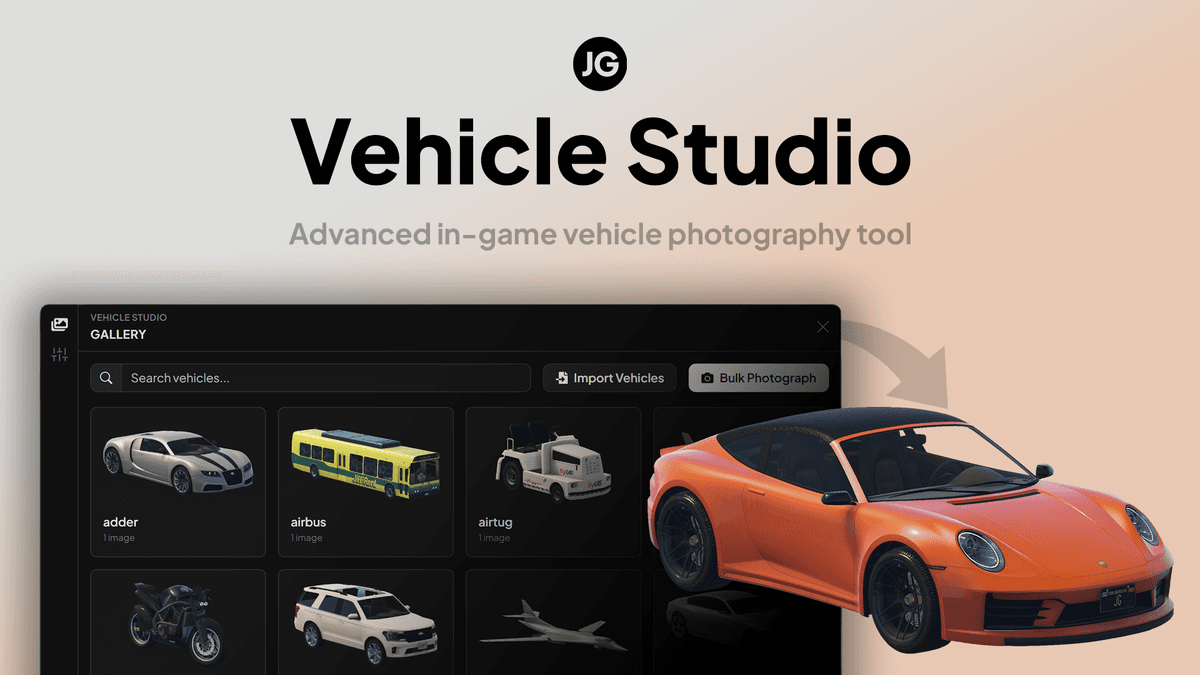
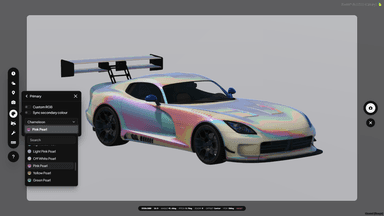
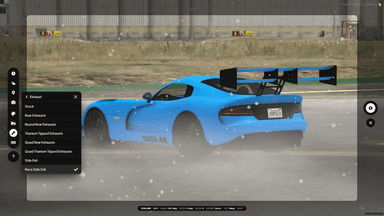
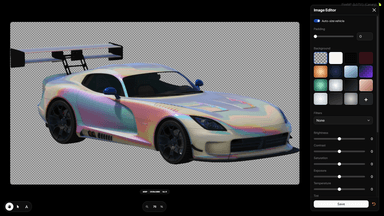
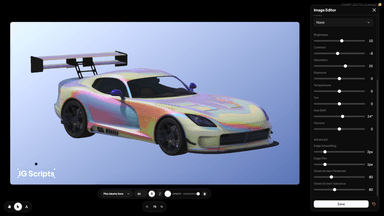
JG Vehicle Studio is an all-in-one advanced vehicle photography tool for FiveM, built to create clean, consistent vehicle images at scale. Quickly generate hundreds of high-resolution vehicle images with transparent backgrounds for JG Advanced Garages, JG Dealerships and any other script that uses vehicle images, or create stylised showcase shots for stores, addon vehicle packs, websites, Discord embeds and your own projects.
📸 Automated Vehicle Images in Bulk
One of the most common questions we get is how to create vehicle photos for our scripts. Many of our scripts support vehicle images, but there hasn’t been a simple way to create clean, consistent photos at scale - so we built one. JG Vehicle Studio lets you create hundreds of high-resolution vehicle images in minutes, whether you’re setting up JG Advanced Garages, filling out JG Dealerships, building a custom vehicle UI, preparing addon vehicle screenshots for sale, or just making your server look more polished.
✨ Transparent Background Vehicle Images
Create clean & cropped vehicle images with transparent backgrounds, ready to drop straight into Advanced Garages, Dealerships, or other scripts. Instead of manually screenshotting, cropping and cleaning every vehicle, Vehicle Studio captures the vehicle in-game, separates it from the background, processes the image and saves the final result for you. If you're using the latest version of JG Advanced Garages or JG Dealerships, the images taken in Vehicle Studio will appear automatically!
⚡ Batch Photography
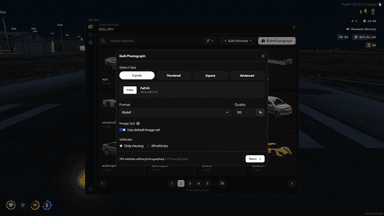
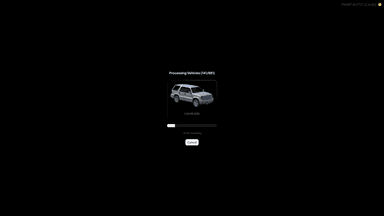
Photograph one vehicle, a selected set of vehicles, or an entire vehicle list using the same camera, studio and image settings. Set up the shot once, save it as a preset, then process the rest automatically; Vehicle Studio will spawn each vehicle, apply your chosen style, capture the image, render the final output and save or upload it through your configured storage provider.
🎨 Stylised Showcase Shots
Vehicle Studio isn’t only for transparent garage images. You can also create stylised vehicle photography for addon vehicle stores, teaser images, server branding, social posts, showcase pages and more, using solid colours, gradients, preset backgrounds, image URL backgrounds, filters, colour adjustments and text layers to create a consistent look across an entire vehicle pack.
💾 Reusable Presets
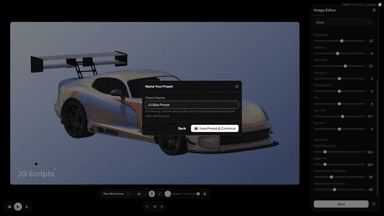
Presets let you save your exact setup and reuse it whenever you need it. Save camera angle, pitch, FOV, vehicle position, time, weather, studio setup, image size, background, filters, colour settings, plates, mods and more, with different presets for clean transparent garage images, dealership listings, addon vehicle product shots and branded showcase images.
🎥 Full Vehicle Studio Control
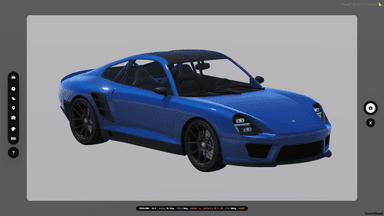
Before capturing, you can adjust the vehicle and the scene directly from the studio UI. Change the camera, reposition the vehicle, set time and weather, change colours, customise plates, apply mods and control supported visual states like doors, windows, lights, indicators, interior lights, roofs and landing gear, so every vehicle is captured exactly how you want it shown.
🖼️ Built-In Gallery Manager
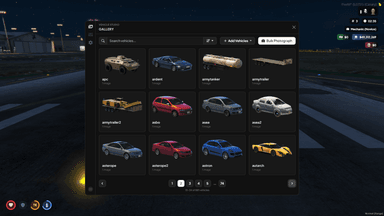
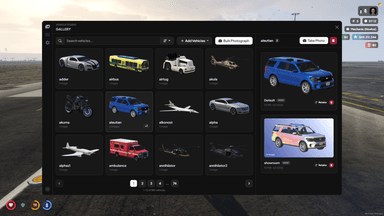
Vehicle Studio includes a full gallery for managing your vehicle image library. Search vehicles, sort them, preview images full-size, replace old shots, delete individual images, clean up vehicle image data in bulk, and store multiple images per vehicle using image IDs for default images, alternate angles, special editions or different styles.
🚗 Easy Vehicle Imports
Add vehicles manually, or import them from existing sources. Vehicle Studio supports framework vehicle lists, JG Dealerships, external datasets and manual spawn codes, with spawn code validation before import so you can build your gallery with confidence instead of discovering broken entries halfway through a batch.
📦 Flexible Export & Storage Options
Export PNG or WebP images with transparent, solid, gradient, preset or custom image backgrounds. Use fixed output sizes or dynamic sizing depending on the kind of image you’re making, then store images locally or upload them to S3, Cloudflare R2, Fivemanage or Qbox CDN with queueing, concurrency limits and retry handling for large batches.
✅ Works With Your Other Scripts
Vehicle Studio is designed to create images for anything that needs vehicle image URLs. Use it with JG Advanced Garages, JG Dealerships, other vehicle scripts, custom UIs, web stores, documentation, Discord embeds or your own projects, with exports available so other scripts can fetch saved vehicle images.
🧡 Support
Be confident in your purchase. Receive free updates for life (we will never charge for a “v2”), as well as our renowned, high quality support. JG Scripts has been around for over 3 years and offers personalised, 7 days a week support to all customers from our large support team. If anything goes wrong, we offer a 7 day refund policy if we just can’t fix your particular issue, or if you just change your mind.
🔗 Documentation & Support
Docs: https://docs.jgscripts.com/vehicle-studio/installation
Support: https://discord.gg/jgscripts