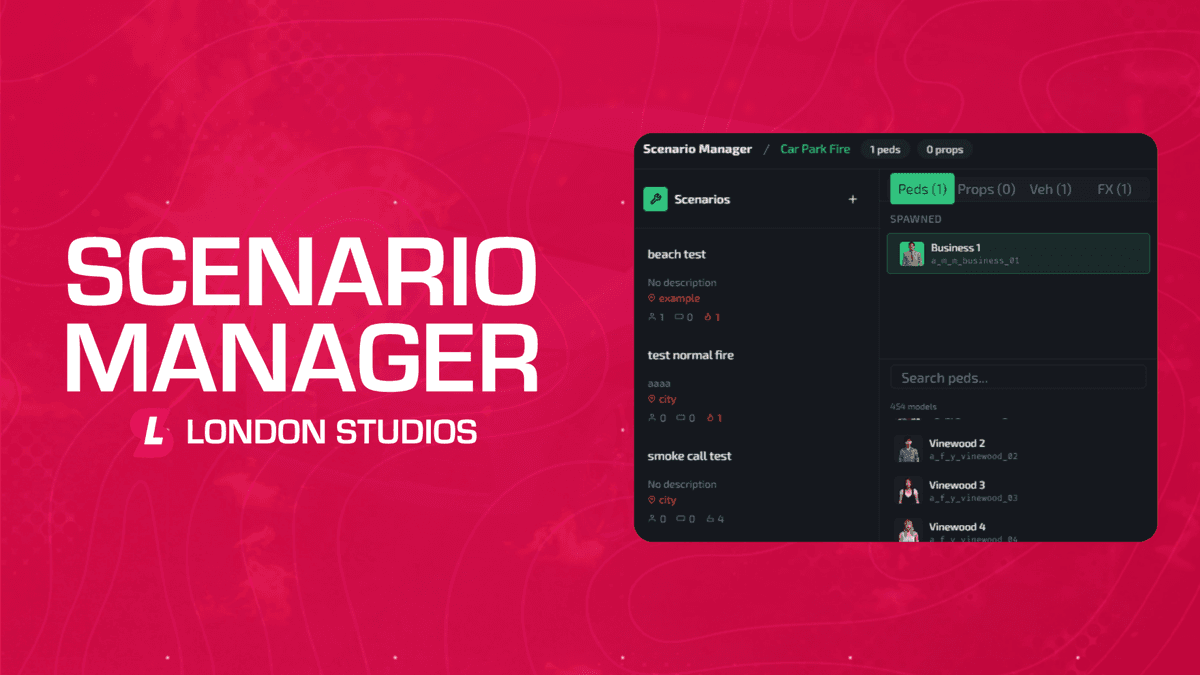
Scenario Manager allows you to build, save and deploy fully custom scenarios directly in-game using a powerful real-time scene editor.
Create immersive fire, rescue and roleplay scenes with peds, vehicles, props, animations, fires, smoke and rescue incidents, then deploy them manually or automatically through Smart Fires v2 integration.
Features
- Scenario Editor: Build complete scenes in-game using a modern real-time control panel.
- Community Scenarios - Browse, preview and import scenarios from the online Scenario Manager Dashboard inside the editor and spawner, or through our website.
- Ped Spawning: Spawn and position peds precisely using a searchable model catalogue.
- Animation Timeline: Create advanced ped animation sequences with configurable keyframes and timing.
- Looping or One Shot: Configure scenarios to run once or continuously loop.
- Object Placement: Place props and objects using a free-fly spooner style placement system.
- Vehicle Placement: Spawn vehicles with configurable colours, extras, sirens and positioning.
- Burning Vehicles (Smart Fires v2): Convert scenery vehicles into Smart Fires vehicle fire incidents.
- Vehicle Rescue Incidents (Smart Fires v2): Create realistic rescue scenarios with selectable crash types using Fire Tools integration.
- Ped Appearance: Fully customise clothing, props and accessories for spawned peds.
- Entity Flags: Toggle freeze and invincibility states per entity.
- Fire Placement (Smart Fires v2): Add indoor and outdoor Smart Fires incidents directly into scenarios.
- Smoke Placement (Smart Fires v2): Place realistic smoke effects in indoor and outdoor environments.
- Mixed Incidents (Smart Fires v2): Combine structure fires, outdoor fires, smoke and rescue incidents into one scenario.
- Editor Fly Mode: Navigate scenes freely during editing and placement.
- Animation Preview: Preview ped animations live before saving scenarios.
- Scenario Spawner Menu: Spawn, stop and manage saved scenarios through a lightweight runtime interface.
- AOP Integration (Smart Fires v2): Assign Areas of Patrol for automatic Smart Fires incident deployment.
Compatibility
- Standalone
- Ace Permissions
- QBCore
- vRP
- ESX
- QBX
- TMC
- okokNotify
- Smart Fires v2
- Fire Tools
Documentation & Support
The documentation for this resource can be viewed here and our support team are available to help daily with any questions or assistance needed here.