DESCRIPTION
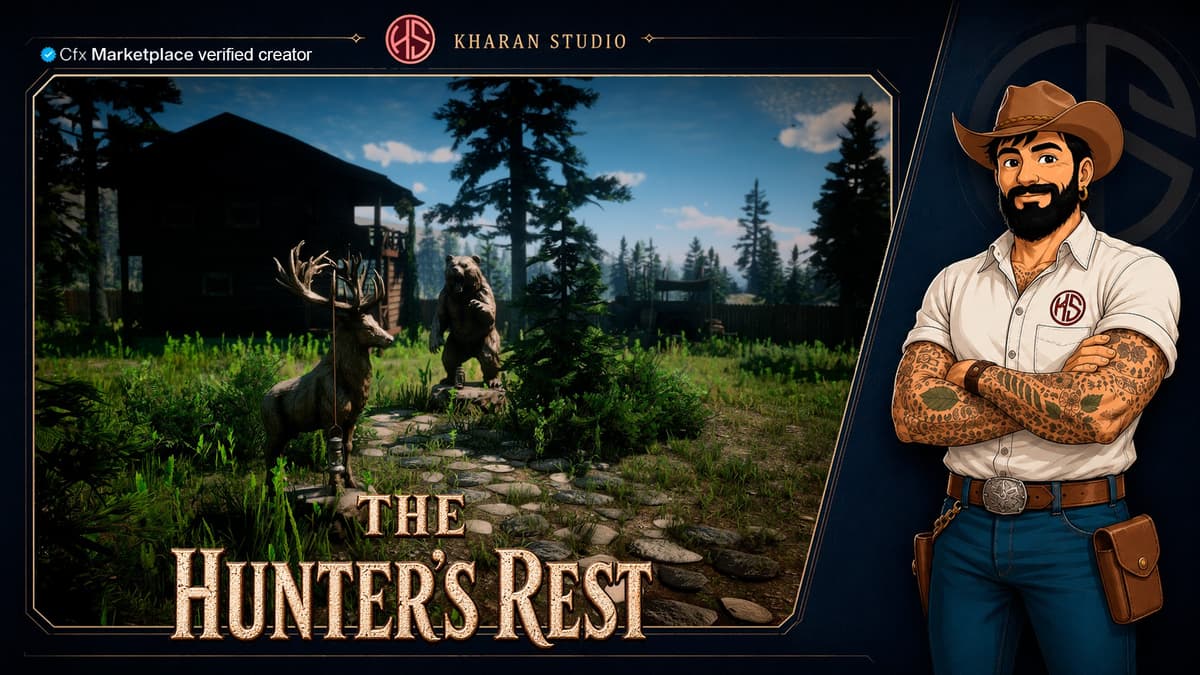
Located in Big Valley, near Little Creek River, The Hunter’s Rest is a complete hunting lodge designed for hunters, trappers and wilderness roleplay.
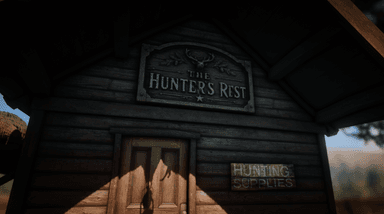
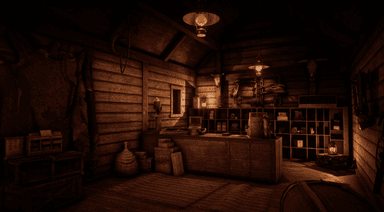
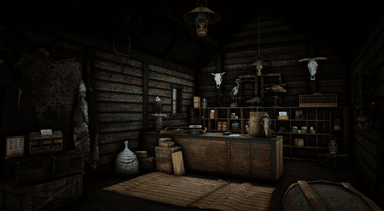
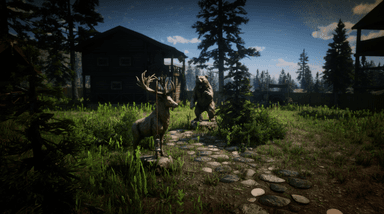
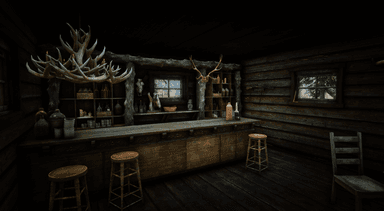
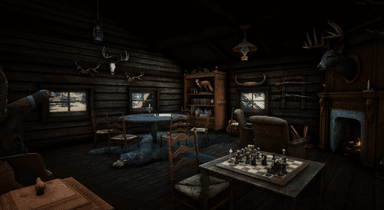
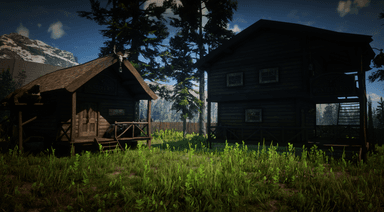
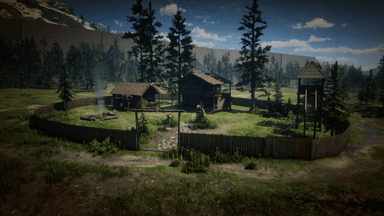
The complex includes a main lodge, a dedicated Hunting Supplies cabin, a watchtower, campfire area, fenced grounds and fully decorated interiors filled with trophies, weapons, pelts and rustic hunting details.
Perfect for use as a Hunters' Guild, hunting business, trading post or faction headquarters, while blending naturally into the surrounding Red Dead Redemption 2 environment.
FEATURES
- Complete Hunter’s Rest hunting lodge complex
- Located in Big Valley, West Elizabeth, near Little Creek River
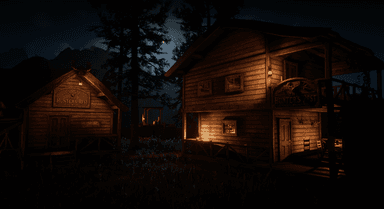
- Main two-story hunters' lodge
- Dedicated Hunting Supplies building
- Fully furnished and decorated interiors
- Rustic lodge/bar and social area
- Hunting trophies, pelts, weapons and wilderness-themed decoration
- Fireplace and warm nighttime interior lighting
- Exterior campfire and gathering area
- Wooden watchtower overlooking the compound
- Fully fenced property with natural pathways and vegetation
- Day and night environments designed to remain atmospheric and immersive
- 4 custom props included with the package
- All doors are prepared to be locked using your preferred doorlock system
- Door coordinates are included in the package for easier configuration
- Includes a lightweight proximity-based loading/unloading script, automatically loading the map when players approach the area and unloading it when no players are nearby to minimize unnecessary performance impact
- Ideal for hunting jobs, hunters' guilds, trading businesses, factions and wilderness roleplay
HOW TO INSTALL?
- Download your portal.cfx package
- Extract the .zip file and upload the "kh_redrootcabin_mlo" folder to your server´s resources folder.
- Make sure to add the "ensure kh_redrootcabin_mlo" directive to your server.cfg file.
- You can obtain the coordinates to lock the door from the file inside the package or by accessing the docs.
- Enjoy!