Electus Animation Creator
In-game FiveM animation creator with timeline keyframes, GTA animation importing, paired characters, props, reusable poses, and direct YCD export.
Summary
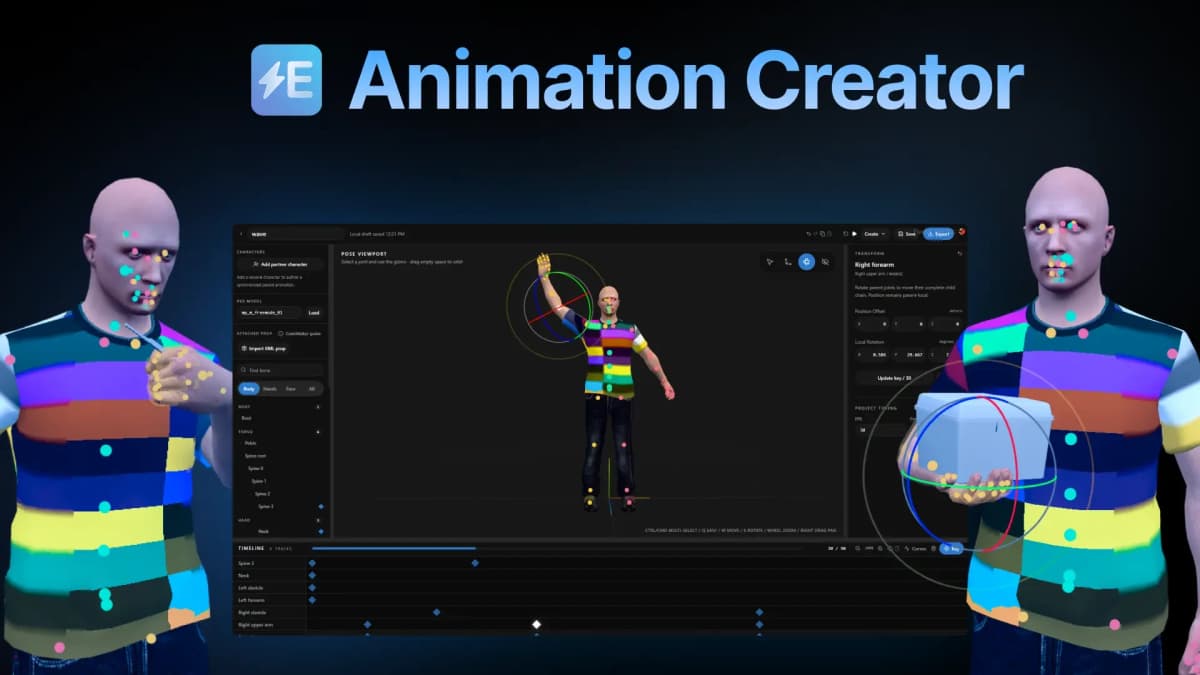
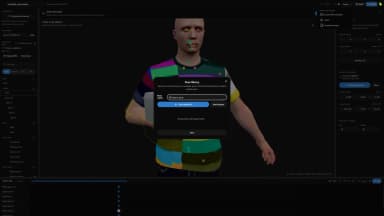
Electus Animation Creator is an in-game visual tool for creating custom character animations in FiveM. Pose individual bones, add keyframes, preview the result, and export the finished animation without leaving the game.
Features
In-Game Animation Editor
Create and edit animations inside FiveM. The complete tool opens in-game, so animations can be built and tested without switching to an external program.
Visual Skeleton Editor
Select body, hand, and face bones through the viewport or skeleton list. Edit each bone's position and local rotation with the transform gizmo.
Timeline Keyframes
Build animations with individual timeline tracks for each bone. Configure the duration, frame rate, playback position, and keyframes.
Complete Bone Control
Animate the root, torso, head, arms, hands, fingers, legs, feet, and facial bones.
GTA Animation Import
Import existing GTA animations by entering an animation dictionary and clip. The imported animation becomes editable keyframes inside the project.
Configurable Sampling
Sample imported animations at 12, 24, or 60 frames per second. Facial and finger bones can be included when the animation needs more detail.
Paired Animations
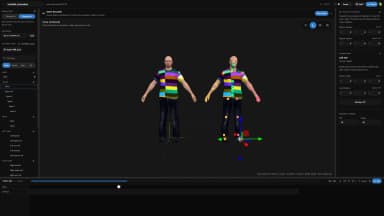
Add a second character to create synchronized paired animations. Both characters share the same timeline and preview clock.
Relative Character Positioning
Position and rotate the second character relative to the first character to keep paired scenes aligned during playback.
Prop Attachments
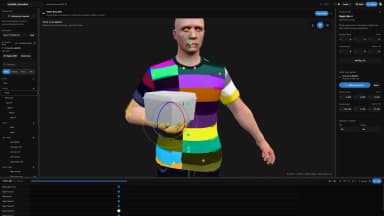
Import props from CodeWalker XML files and attach them to character bones. Adjust the prop's position and rotation with the viewport gizmo.
Reusable Pose Library
Save the current frame as a reusable pose. Poses can contain the complete skeleton or only selected bones.
Project Prompt Generator
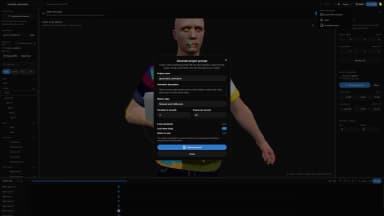
Create a project prompt from an animation description, motion style, duration, frame rate, loop setting, and current character rig.
Complete Project Context
The generated prompt includes the current skeleton, attached prop, project timing, and motion settings. No external service is called.
Local Project Saving
Projects save locally while editing, allowing work to continue without recreating the animation.
Animation Preview
Preview the complete animation inside the in-game tool before exporting it. Playback controls allow the timing and movement to be checked throughout the timeline.
Direct YCD Export
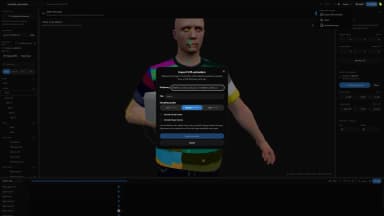
Export the completed project as a streamable YCD animation resource.
FiveM Resource Loading
The tool provides the server commands required to refresh and load the exported resource.
Bablo Animation Menu Integration
Add exported animations directly to the Bablo animation menu. Configure the command name, menu label, and playback flags during export.
Playback Flags
Configure looping, holding the final frame, upper-body playback, secondary tasks, additive blending, and interruption behavior.
Usage
Open the In-Game Tool
Open Electus Animation Creator inside FiveM to create, import, edit, preview, and export animations.
Create a Project
Start a new project and configure the animation duration and frame rate.
Load a Ped Model
Enter the ped model used to preview and create the animation.
Pose the Character
Select bones through the viewport or skeleton list and adjust their position and rotation.
Add Keyframes
Move through the timeline and add keyframes to build the animation.
Import a GTA Animation
Enter an animation dictionary and clip to convert an existing GTA animation into editable keyframes.
Add a Partner Character
Add a second character when the animation requires synchronized movement between two peds.
Attach a Prop
Import a CodeWalker XML prop, attach it to a bone, and adjust its placement.
Preview the Animation
Play the animation inside the in-game tool and adjust the keyframes or project timing.
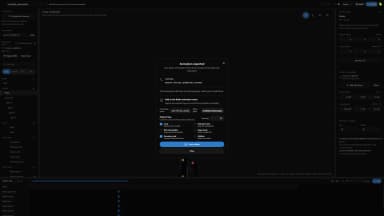
Export the Animation
Export the finished project as a YCD resource and use the provided commands to load it on the FiveM server.
Add the Animation to Bablo
Configure the command name, menu label, and playback flags to register the exported animation in the Bablo animation menu.
Technical Details
Requirements
Requires a FiveM server for running the in-game tool and loading exported animations.
Frameworks
Electus Animation Creator is standalone and does not require ESX, QB-Core, or Qbox.
Export Format
Exports streamable YCD animations that load as a standard FiveM resource.
GTA Animation Import
Supports GTA animation dictionaries and clips with selectable sampling quality.
Prop Import
Supports props exported as CodeWalker XML files.
Project Storage
Projects and reusable poses save locally in the in-game tool.
Bablo Integration
Supports optional registration in the Bablo animation menu.
Support
All scripts come with free support through Discord.
Docs
Link to docs https://docs.electus-scripts.com/docs/animationcreator