Realistic police tape for FiveM
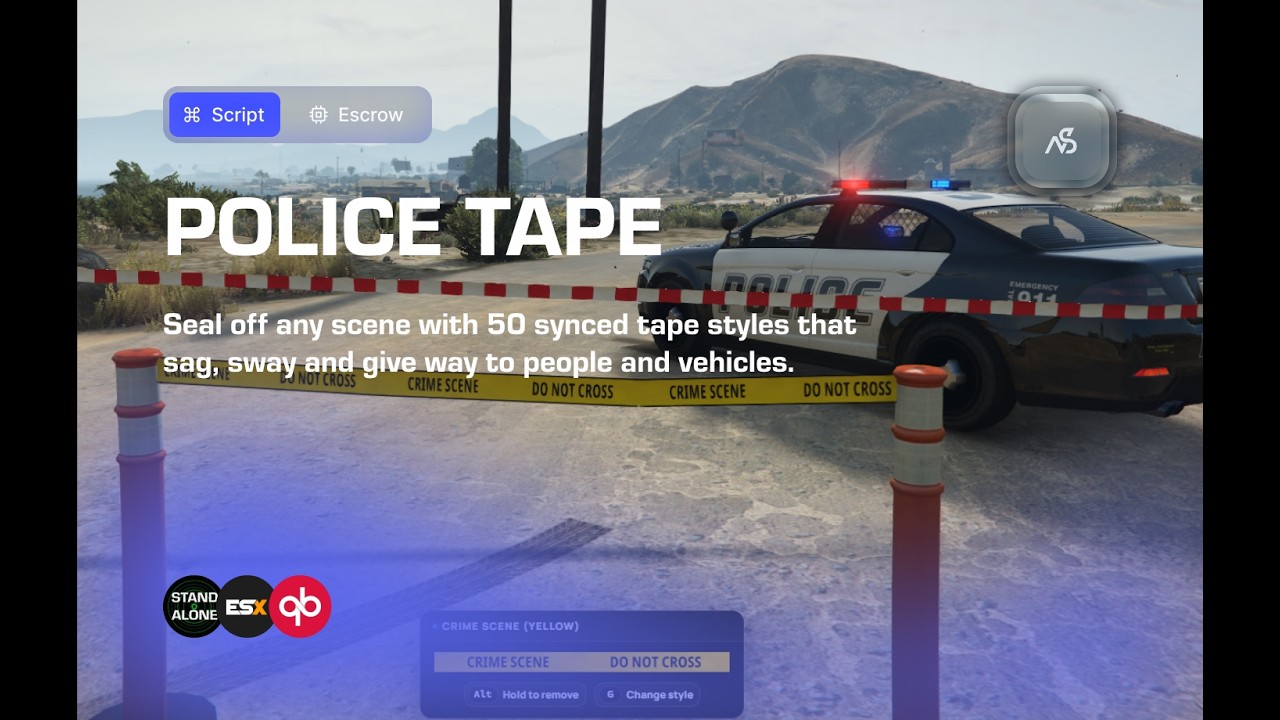
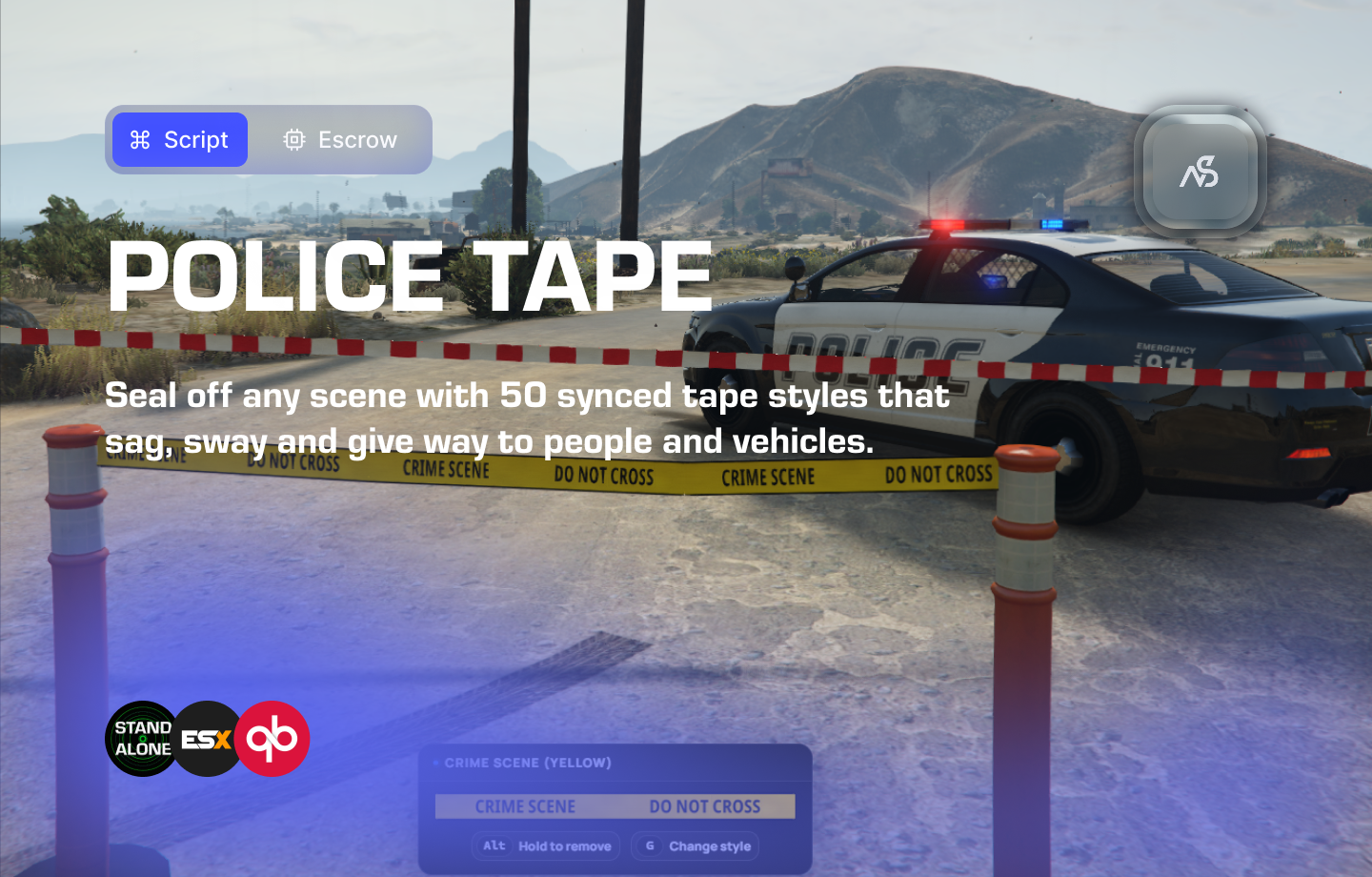
Close off the scene the way real responders do. Night Police Tape lets your officers, firefighters and paramedics tape off any scene in two clicks. Tie it to walls, fences, poles and trees, or aim at open ground and a post goes there. Every tape is synced to every player and saved across restarts.
Tape that's alive, not static. It sags with its length and sways in the wind, following the game's weather. People and vehicles push into it, and it wraps around a truck's bumper, a car's windscreen or a person's legs, then springs back. Drive into it too fast and it tears down for everybody (optional).
Features
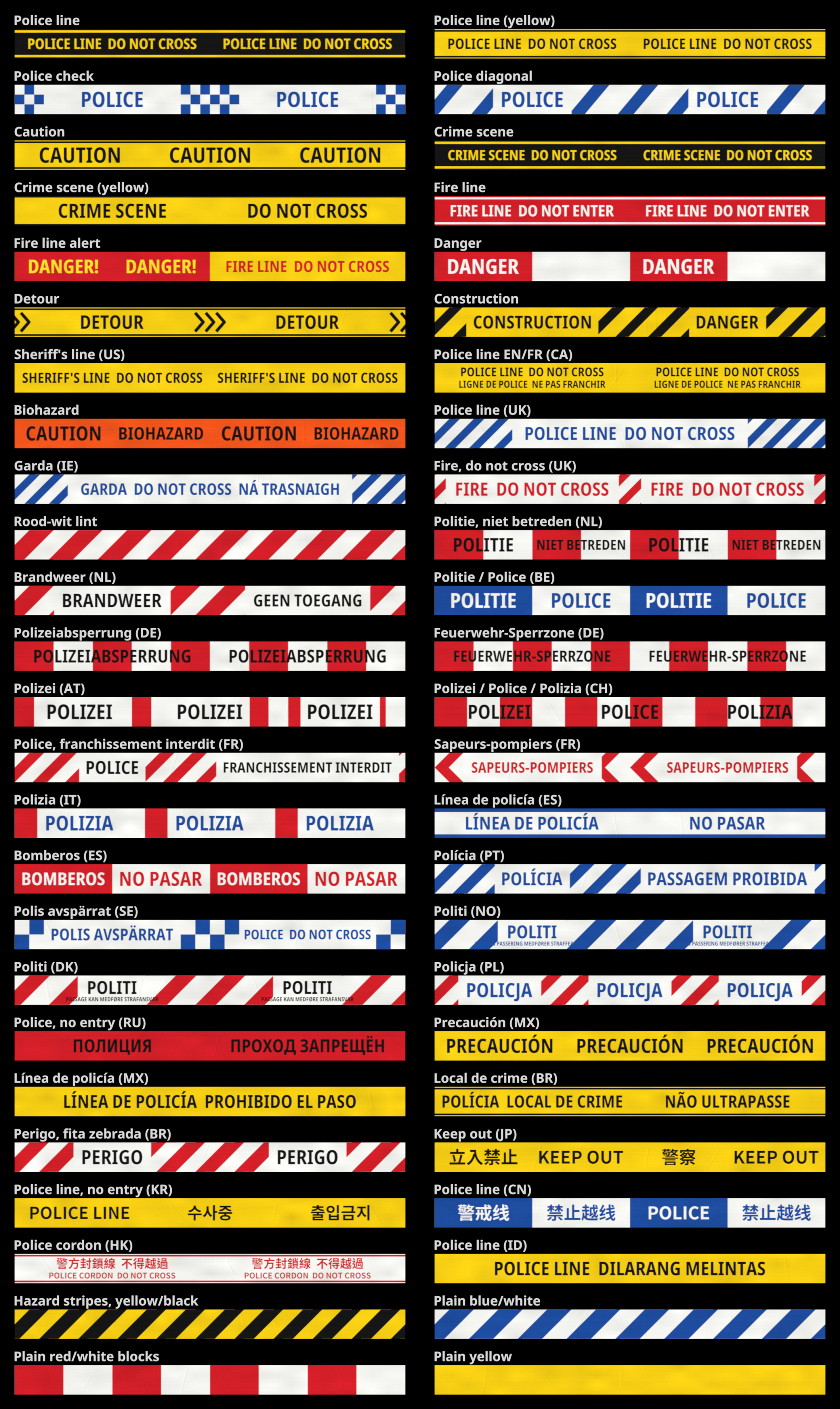
- 50 tape styles: police, fire, crime scene, caution and plain tapes, with wording for many countries
- Two-click placing: live preview with green and red markers showing where tape can go
- Posts on open ground: tape ties to walls, fences, poles and trees, or to a post on open ground
- Sag & wind: tape droops with its length and moves with the game's weather
- Realistic stretch: wraps the real shape of people and vehicles, from both sides at once
- Optional tearing: fast vehicles tear the tape down for everybody, checked by the server
- Synced & saved: every player sees the same tape, and it survives restarts
- Required item (optional): with an optional refund on removal
- Admin clear command: clear an area or the whole server, using your own permission roles
- Optional lifetime: tapes come down by themselves after a set time
- Server protection: distance, length and permission checks, plus per-player rate limits
- Rebindable keys & controller support
- Exports: place, remove and clear tape from other resources
Compatibility
- Framework: ESX, QBCore / Qbox, or standalone
- Inventory: ox_inventory, ESX, QBCore and Qbox (for the optional required item)
- Permissions: Ace, Discord API, or your framework's roles
- Requirements: OneSync (Legacy or Infinity)
- Languages: English, Dutch, German, French and Spanish
- Escrow: escrow protected. Config, locales and permission hooks stay open
Installation
Add the resource to your server and follow the setup guide in the documentation. The documentation always has the current steps, config options and exports.
Links
- Documentation
- Discord: support, updates and the customer role
- Follow #product-updates on our Discord for all changes.