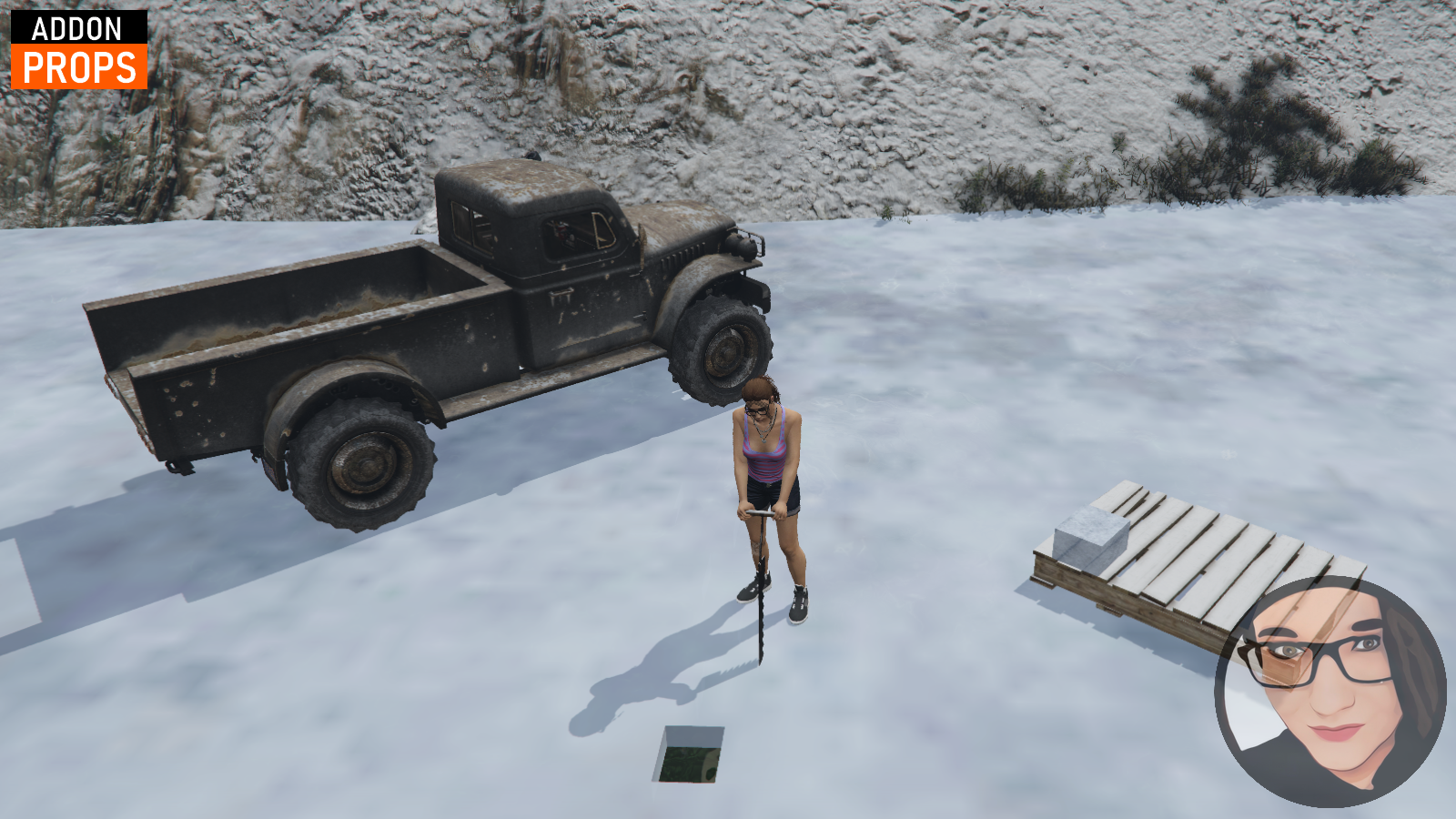
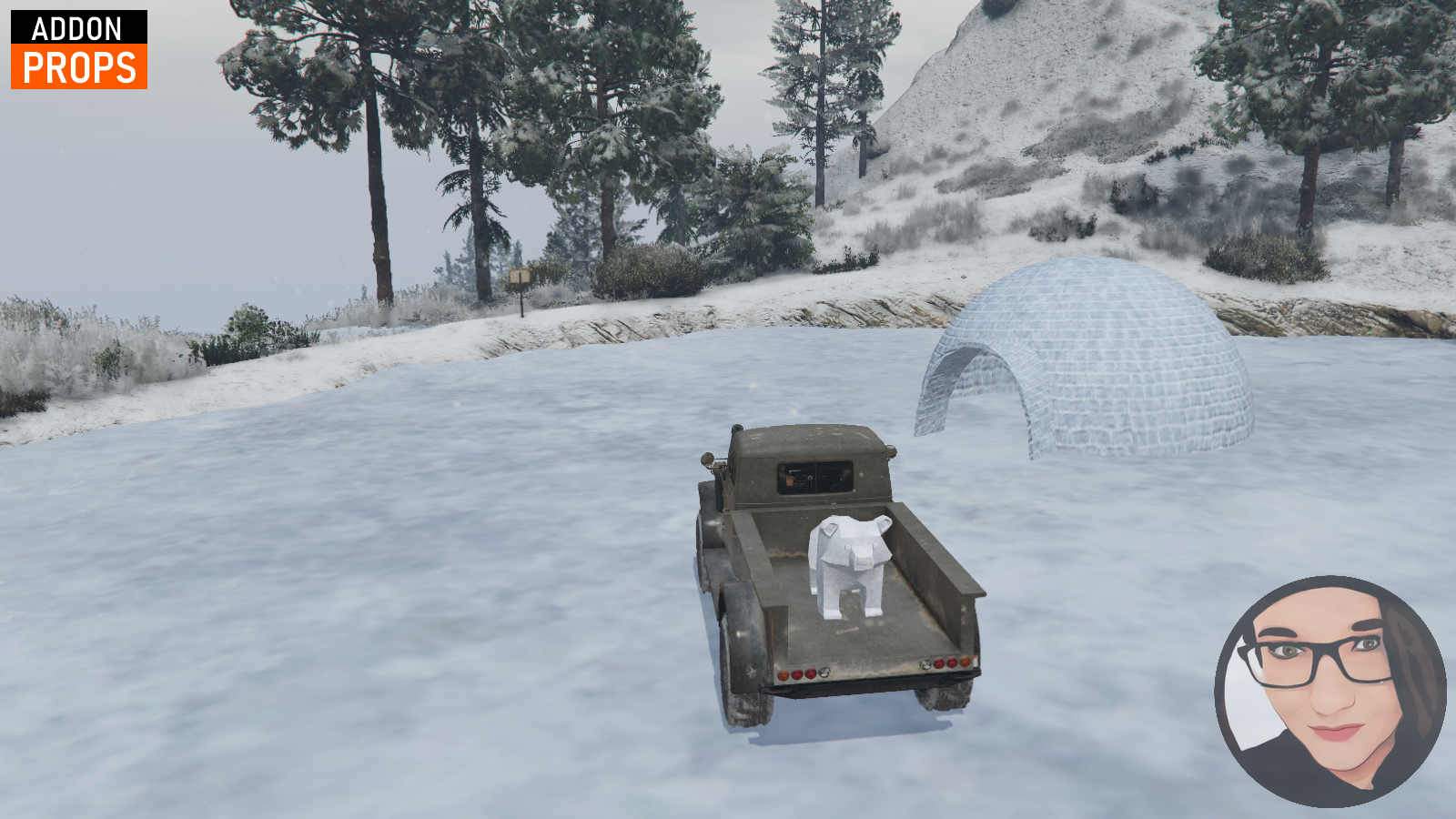
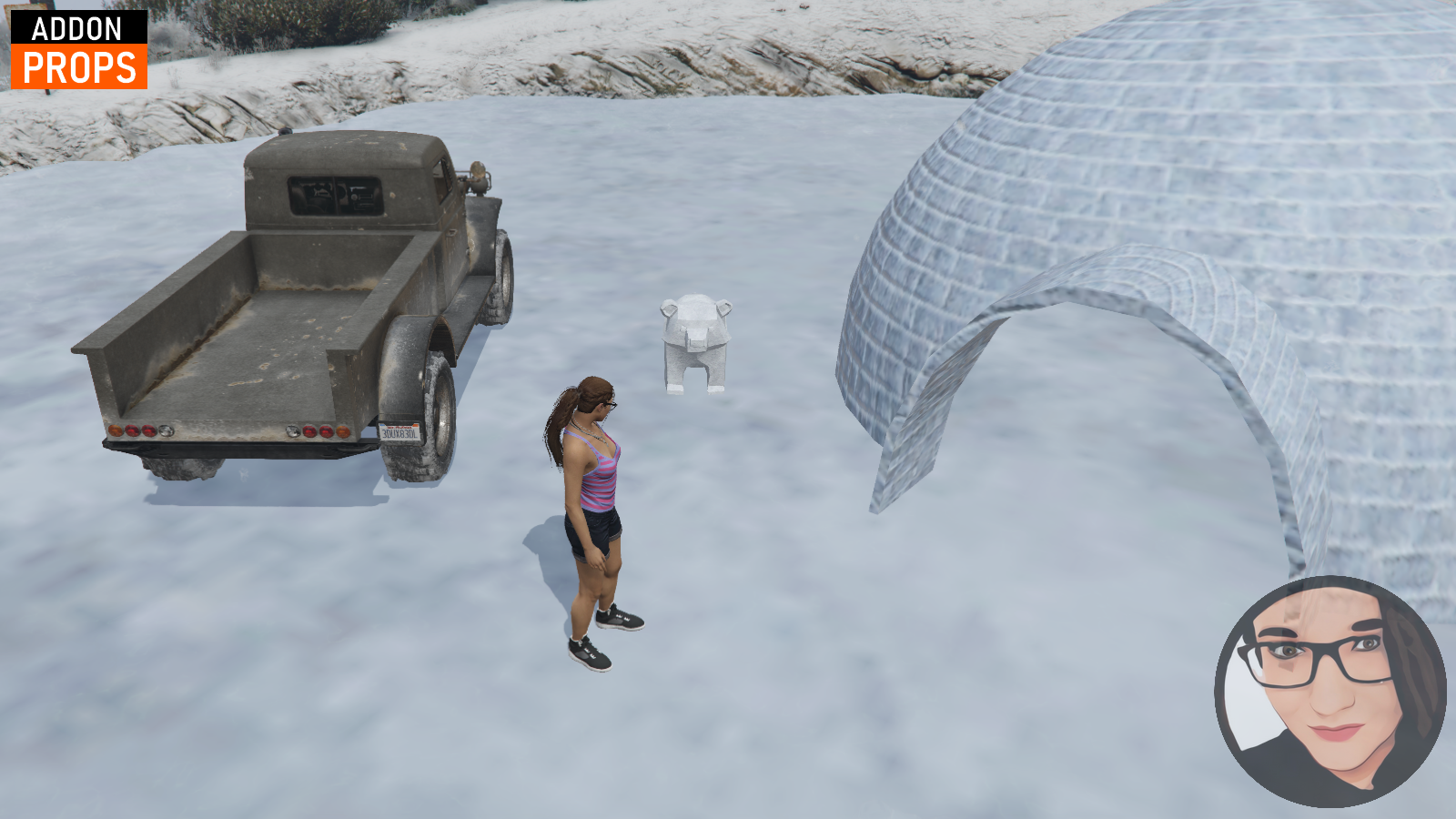
A collection of winter props and animations for FiveM, mainly intended for scripters and map creators.
The pack contains everything needed to create your own ice cutting, ice carving, or igloo building scripts. You can also use the props for winter events or map decoration.
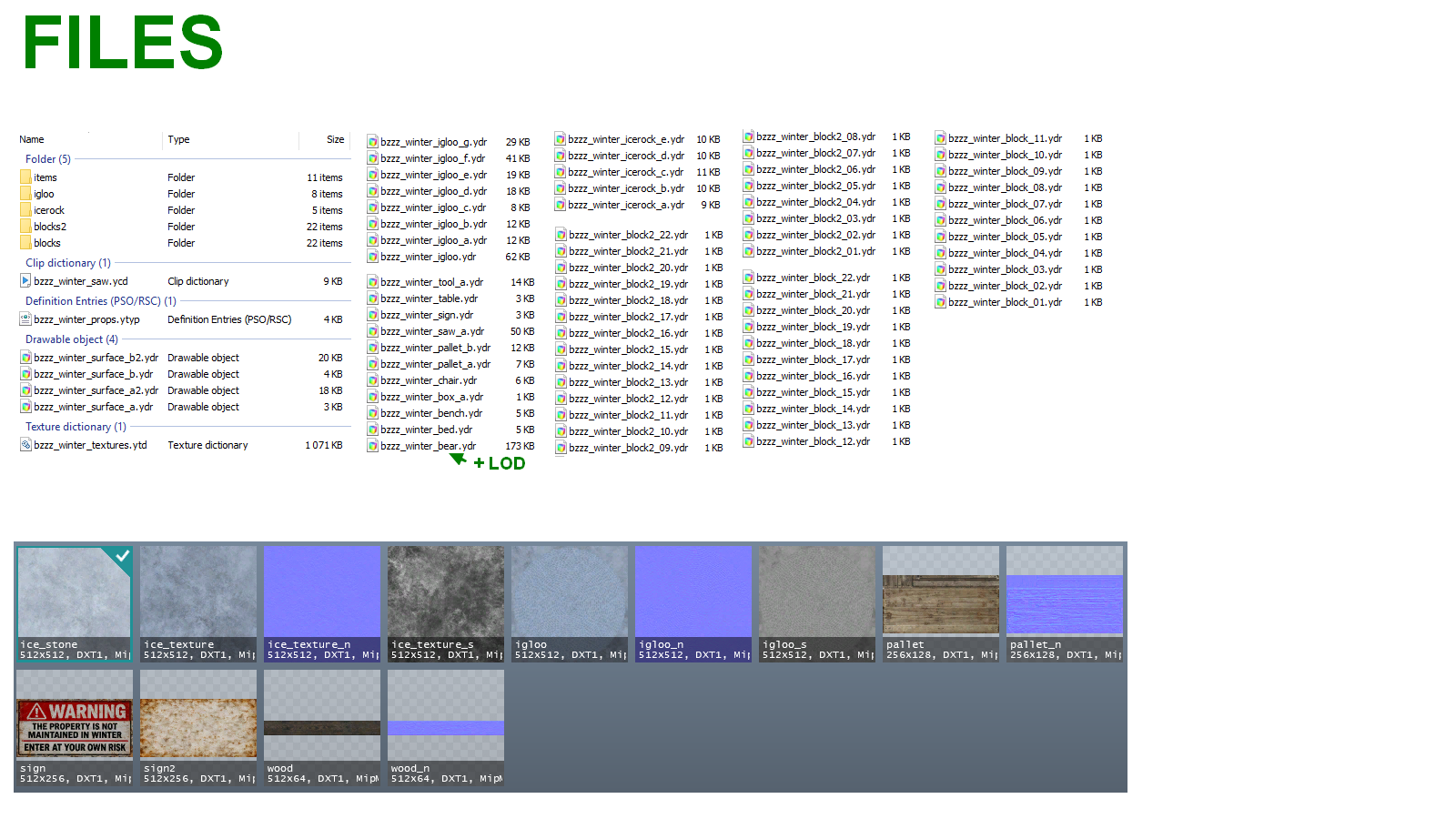
Package Contents
-
2x frozen lake surfaces
-
Warning sign
-
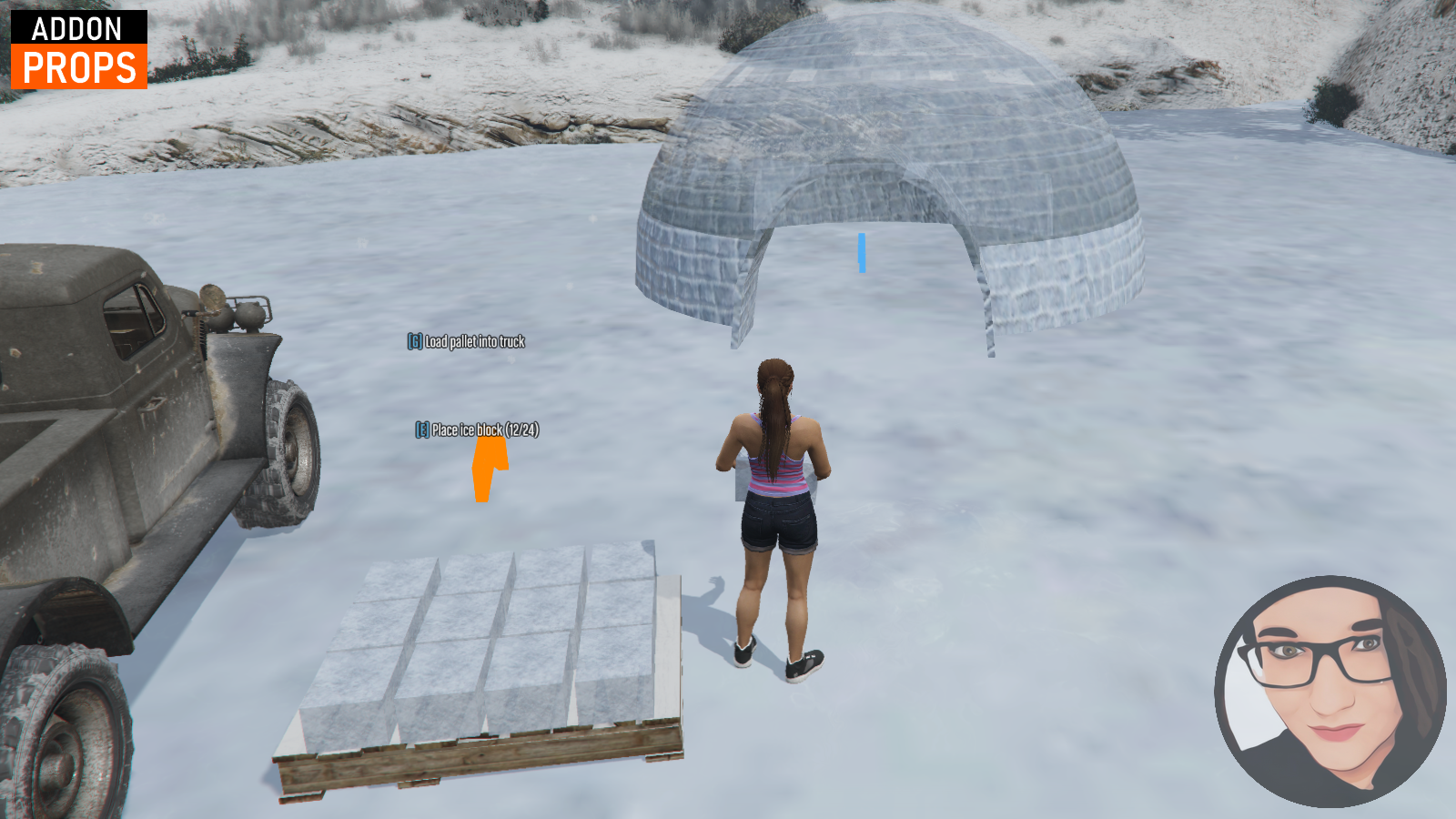
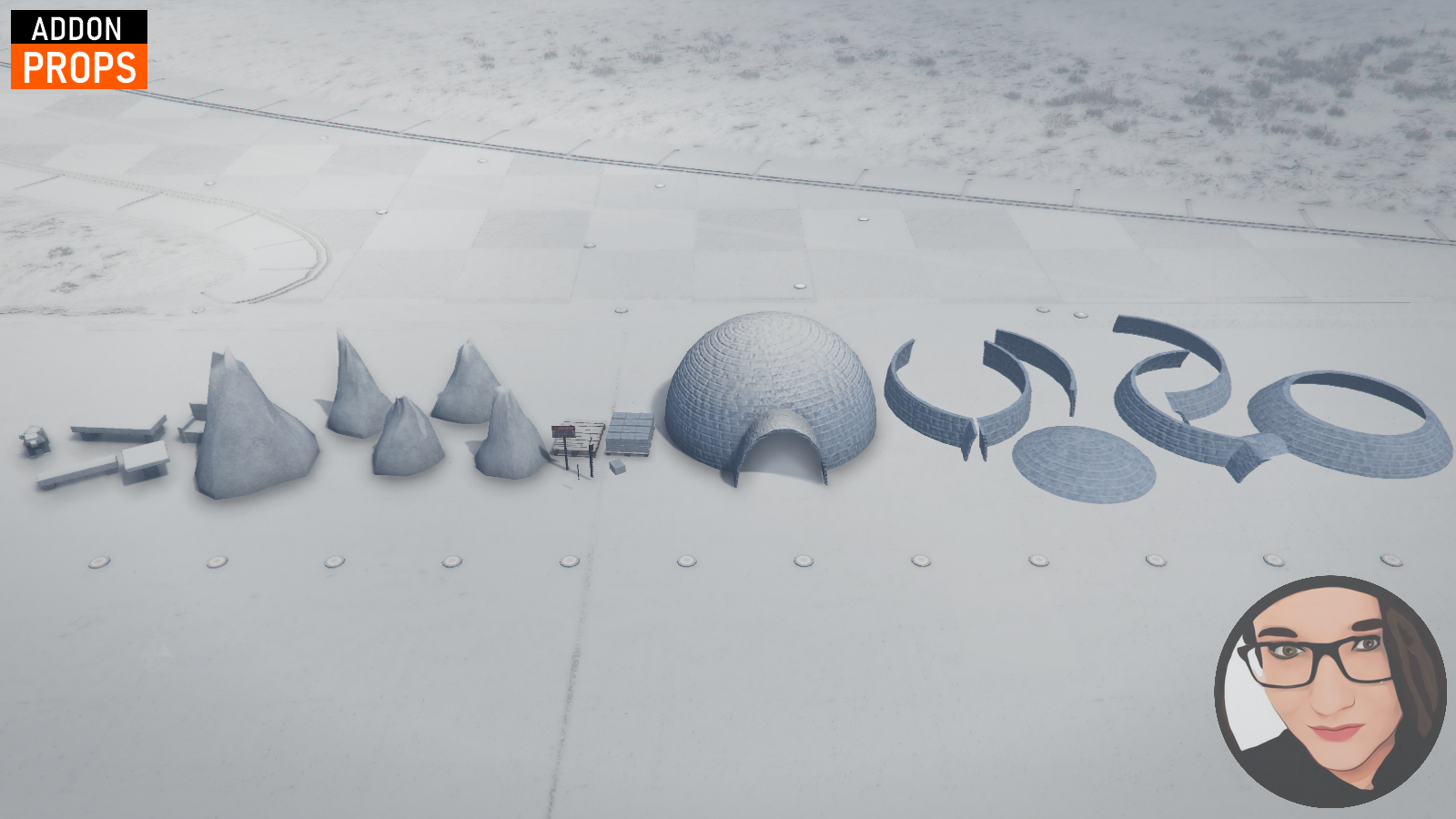
Igloo and individual building pieces
-
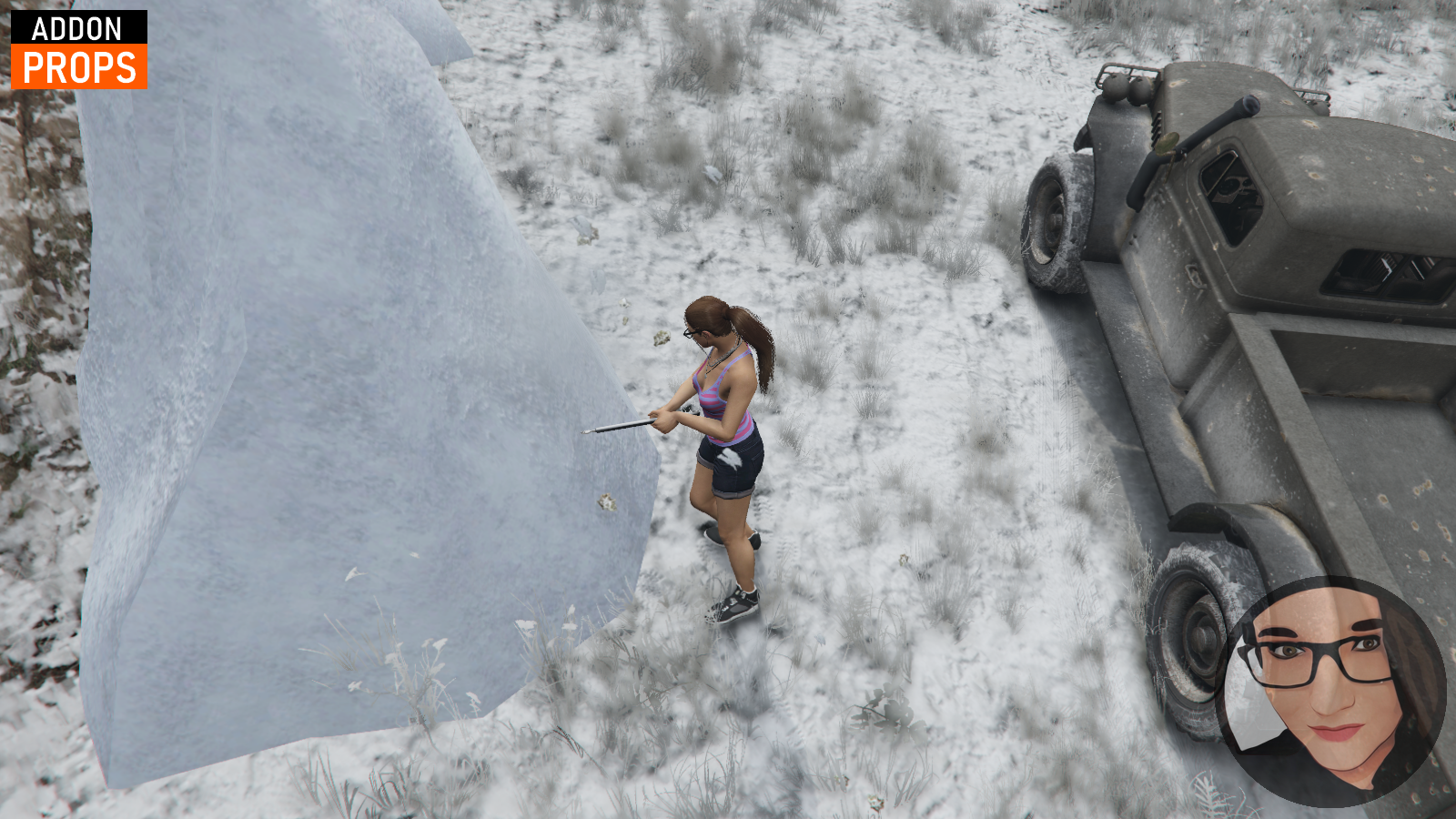
Ice rocks for carving
-
Ice sculptures and other ice props
-
Ice cutting and carving tools
-
2x custom addon animations (ice sawing and ice chiseling)
-
Inventory images
-
Example test script
Test Script
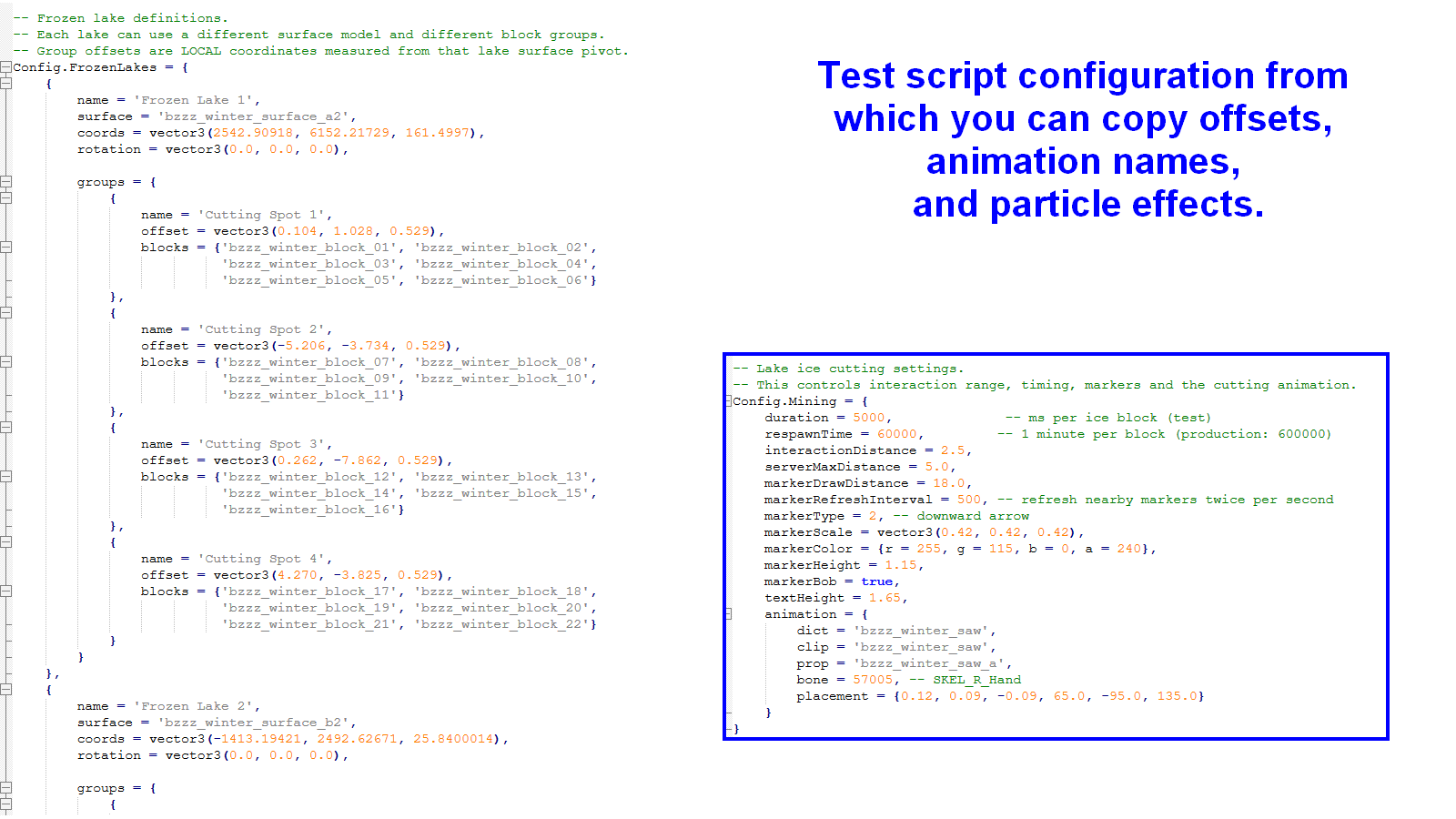
The package includes an AI-generated test script to help developers find prop positions, offsets, animation names, and particle effects.
This script is for testing purposes only!
It is not intended for use on a live server. It does not include proper anti-cheat protection, exploit prevention, persistent data storage, or complete error handling.
If you want to use these props in your own gameplay system, you will need to create your own script.
Important Information
This package is primarily intended for developers who have experience working with FiveM resources and scripts.
Installation:
- Download the asset from your Cfx.re Portal.
- Add the asset to your server's resources folder and ensure it is started in your server.cfg.
- Restart your server.
- Once the resource has started, you can use the props in your scripts just like any other GTA V props.
The data folder contains uncommented Lua files. These files were created by AI for testing my props. If you want to test this script in-game, you need to uncomment it in the fxmanifest, as it is disabled by default. If you don't want to use this script, you can simply delete the entire folder
How the test script works:
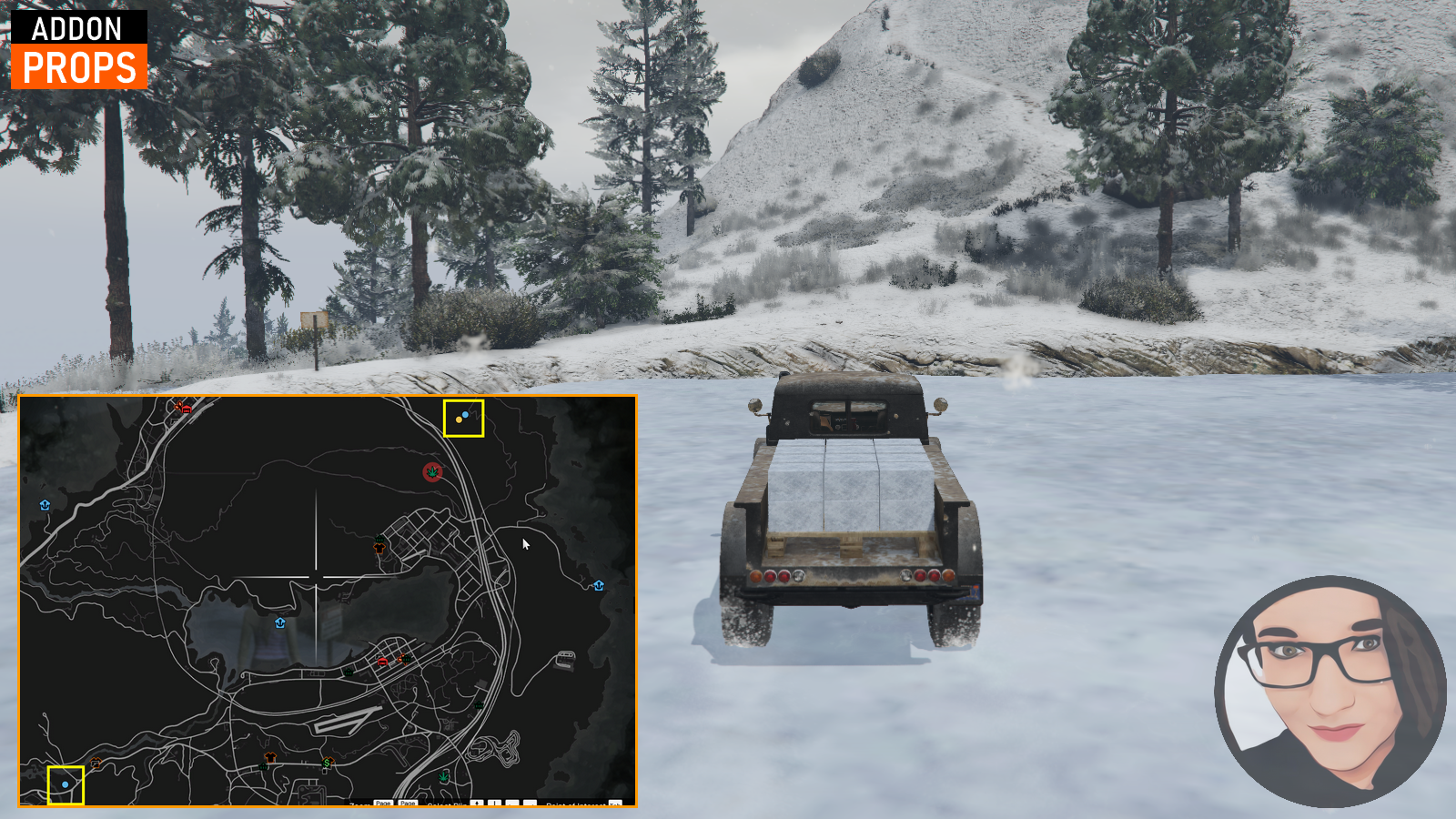
1. Teleport to one of the frozen lakes. Their locations are marked with blips on the map, or you can find their coordinates in `Config.FrozenLakes`.
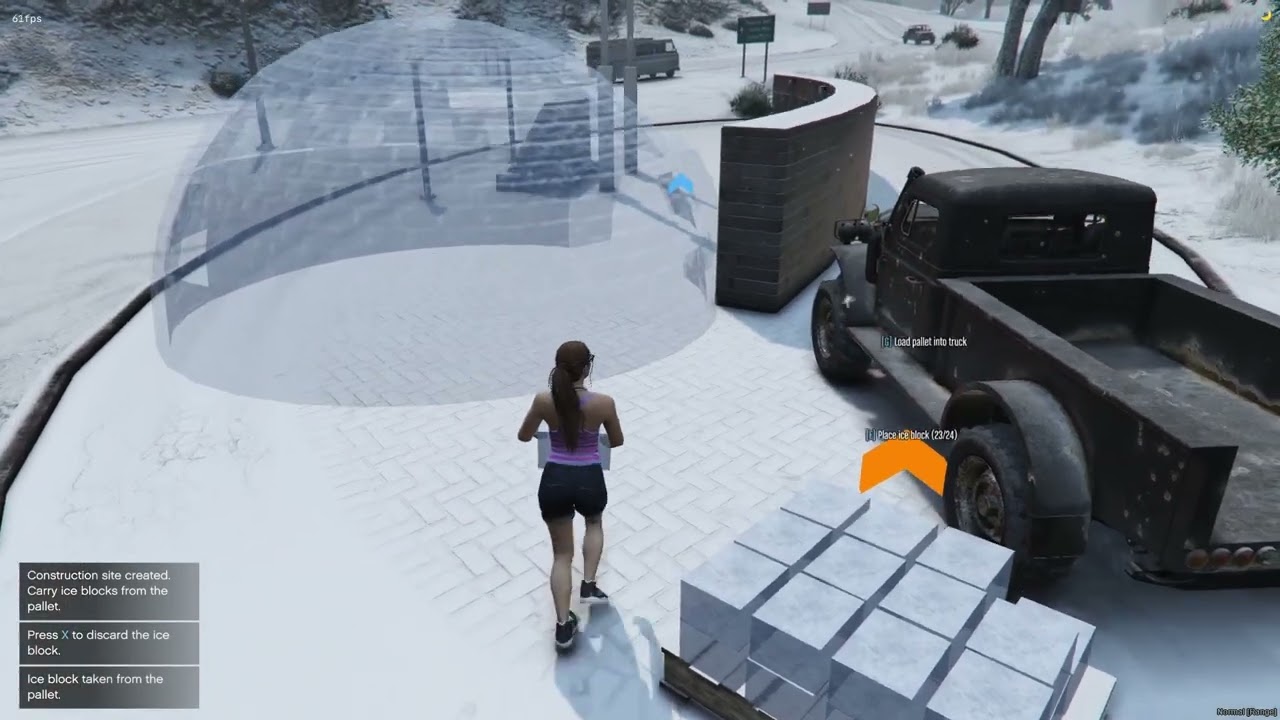
2. Use the `/winterpallet` command to spawn a pallet and start harvesting ice.
3. Once the pallet is full, load it onto the `dloader` vehicle.
4. Drive the pallet to the location where you want to build an igloo and unload it onto the ground. The script will guide you through the process by showing which keys to press.
5. Once the igloo is completed, you can carve additional items from the ice blocks. These items can be loaded onto the vehicle in the same way and transported to the igloo.
All coordinates and prop configurations required to make the script fully functional can be found in the config file (see image).
This test script is absolutely not intended for use on a live server. It is provided solely for development and testing purposes. You are also not required to follow this exact workflow – feel free to use your imagination and implement the mechanics however you like.